Picture this: it’s the coldest morning of the year, and you step into your Chevy Silverado to find the cabin already warm, the engine purring, and the windshield defrosted. Or imagine a scorching summer afternoon where your truck is perfectly cool before you even open the door. That’s the everyday magic of knowing how to remote start Chevy Silverado. Many drivers own trucks equipped with this feature but never learn the correct sequence to use it.
Activating remote start on your Silverado is straightforward once you understand the exact steps. Whether you drive a 2023 Silverado 1500, a Medium Duty model, or another recent trim, the process relies on a precise lock-and-hold sequence, visual confirmation through your turn signals, and meeting key safety conditions. In this guide, you’ll learn the proven activation method, how to troubleshoot common failures, ways to extend your runtime, and pro tips to avoid accidental starts.
Essential Safety Conditions Before Remote Start
Your Silverado’s remote start system includes built-in safeguards to prevent dangerous operation. If these conditions aren’t met, the system will block activation entirely.
Transmission Must Be in Park
The gear selector must be positioned in Park. If your truck sits in Reverse, Neutral, or Drive, the remote start will not engage. This safety feature prevents the vehicle from moving unexpectedly when started without a driver present.
Parking Brake Must Be Engaged
The parking brake must be fully engaged before remote start will work. A released parking brake causes the system to either refuse activation or shut down immediately after the engine starts. Always verify this setting before walking away from your truck.
Hood Should Be Closed
While not always explicitly listed in owner manuals, standard GM safety logic requires the hood to be fully closed. An ajar hood can trigger a safety lockout across Silverado models. If your remote start mysteriously fails, check the hood first.
Key Fob Remote Start: The Exact Sequence

The factory key fob remains the most reliable way to start your Silverado remotely. Follow this sequence precisely for consistent results.
Lock Twice, Then Hold the Remote Start Button
- Press the lock button twice on your key fob to signal system readiness.
- Immediately press and hold the top button, which features a circular arrow icon (⟳).
- Watch for the turn signals to flash after 2–3 seconds, confirming the engine has started.
- Release the button once you see the lights flash.
Pro Tip: If the first attempt fails, repeat the sequence. Some fobs require precise timing between the lock presses and the hold action.
Single-Lock Alternative Method
Some Silverado owners report success with a simpler variation:
– Press the lock button once
– Immediately press and hold the top circular arrow button
If the double-lock method doesn’t work on your specific model, try this single-lock approach.
Locating the Remote Start Button
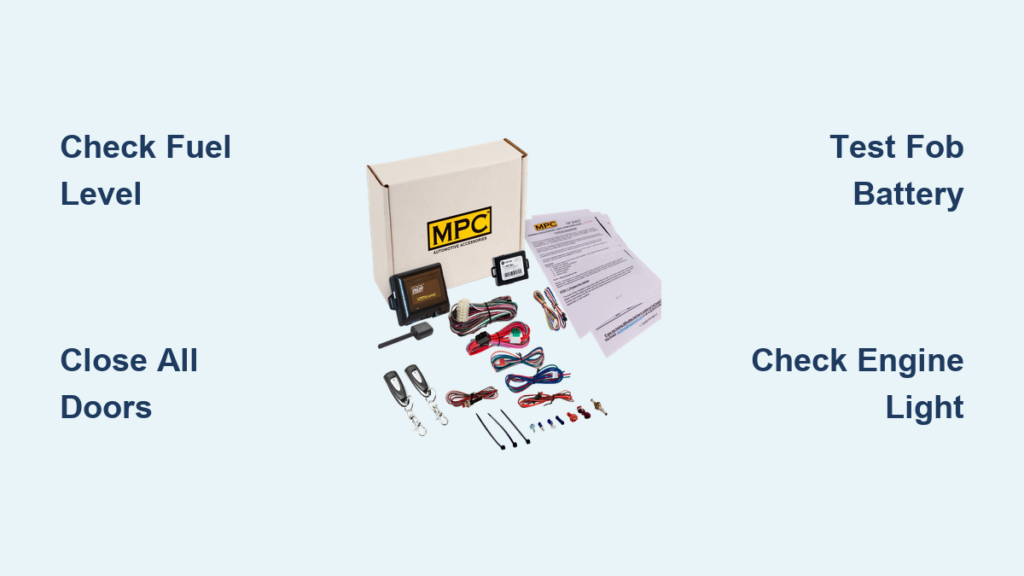
The remote start button is almost always the top button on your Silverado key fob. Look for a circular arrow symbol. On older or heavily used fobs, this icon may be faded or worn away. Even when the symbol is unreadable, the top button remains the correct choice. Avoid confusing it with lock, unlock, or trunk release buttons.
Warning: Accidental activation is common when keys sit in pockets or bags. Store your fob flat or use a protective case to prevent unintended engine starts.
Alternative Method: Remote Start Through the myChevrolet App
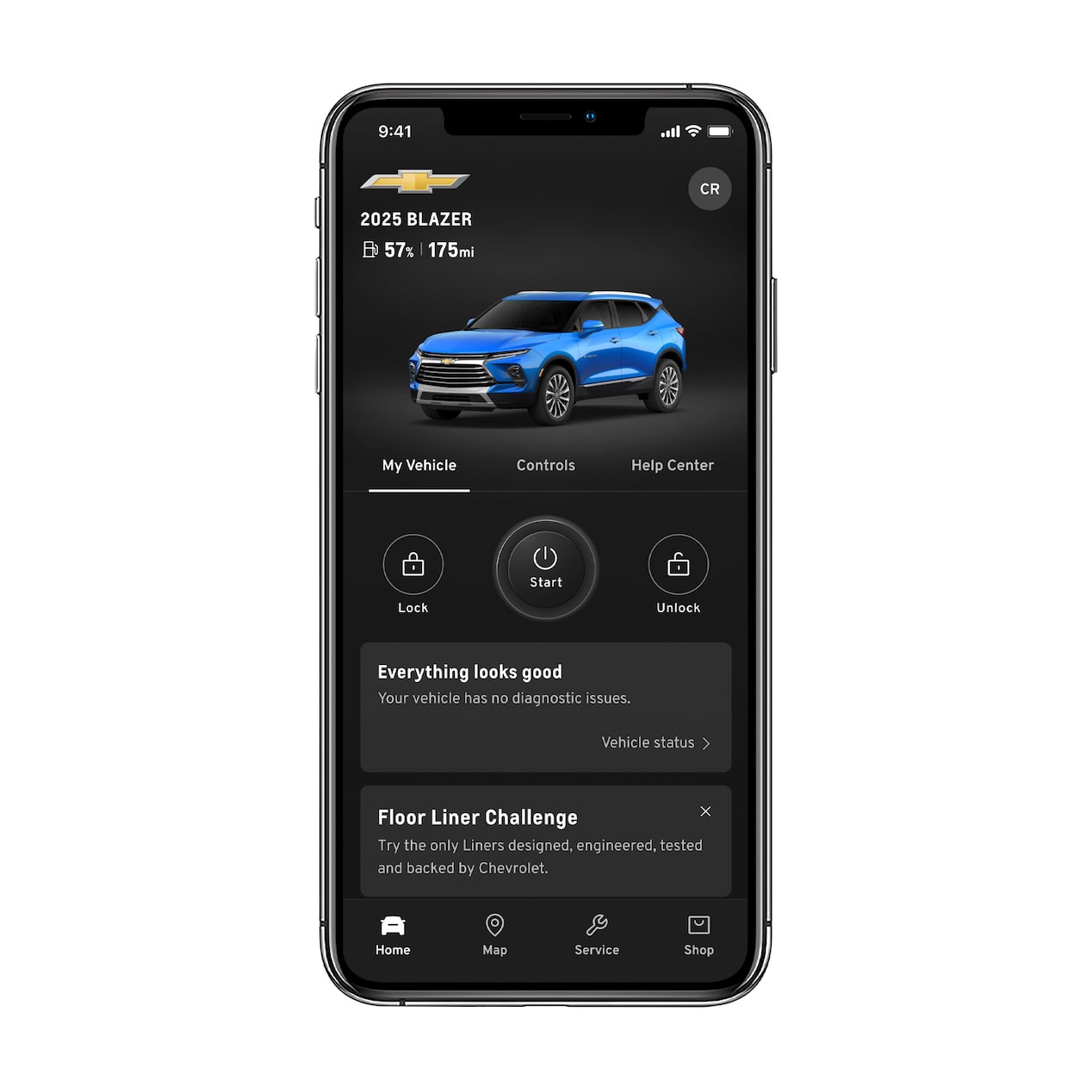
Newer Silverado models with Connected Access or OnStar subscriptions offer smartphone-based remote start.
Steps for App-Based Remote Start
- Open the myChevrolet mobile app on your smartphone.
- Log in with your account credentials.
- Select your Silverado from the vehicle list.
- Tap the remote start icon (circular arrow symbol).
- Confirm the action to start your engine.
Requirements for app-based starting:
– Active OnStar or Connected Services subscription
– Strong cellular signal and GPS coverage
– Vehicle parked within network range
This method works from miles away, making it ideal for starting your truck while you’re still inside the office or a store.
What Happens After Your Silverado Starts Remotely
Once activation succeeds, your truck enters a limited operational mode designed for climate control and safety.
10-Minute Automatic Shutdown
Your Silverado will run for exactly 10 minutes before automatically shutting off. This prevents fuel waste and unauthorized use. If you don’t enter the vehicle and turn the ignition within this window, the engine stops with no exceptions.
Extending the Runtime
To keep your engine running beyond the initial 10 minutes:
– Repeat the remote start sequence before the timer expires
– Most Silverados allow two remote start cycles, providing up to 30 minutes of total runtime
Time-Saving Hack: Set a phone alarm for 9 minutes after starting. This gives you time to extend the runtime before shutdown.
Climate Settings Remain Active
Your HVAC system operates based on the last-used settings. If you left the heat on high or the AC on maximum, those settings resume automatically. For best results, adjust your temperature and fan speed before exiting the vehicle.
How to Turn Off Remote Start Before 10 Minutes
You don’t need to wait for the automatic shutdown if your plans change.
Hold the Start Button to Stop the Engine
- Point your key fob at the vehicle.
- Press and hold the top (remote start) button.
- Wait for the turn signals to flash three times.
- The engine shuts down immediately.
This is useful if you notice unusual noises, fluid leaks, or simply change your mind about leaving the truck running.
Never open the hood or attempt maintenance while the engine runs remotely. This creates serious safety hazards.
Troubleshooting Common Remote Start Problems

Even with correct steps, remote start can fail due to simple oversights or technical glitches.
No Response When Pressing Buttons
If nothing happens after your button sequence:
– Check the key fob battery — weak batteries cause unresponsive signals
– Verify you’re within range — typical range is 200–300 feet without obstructions
– Look for signal interference — metal buildings, other vehicles, or electronics can block signals
– Try the single-lock method — some fobs respond better to one lock press plus hold
Engine Starts Then Shuts Off Immediately
This usually signals a safety condition failure:
– Transmission not fully in Park
– Parking brake not engaged
– Hood slightly ajar
– Low oil pressure or system fault (check dashboard for warning lights)
Faded or Missing Button Icon
If the circular arrow symbol has worn off your fob:
– The top button is still the remote start on nearly all Silverado fobs
– Test by holding it after locking and watching for flashing lights
– Avoid pressing multiple buttons simultaneously, which can trigger panic mode
Model Year Compatibility and Availability

Remote start comes standard or optional on most modern Silverados.
Supported Silverado Models
- Chevy Silverado 1500 (2019 and newer, including 2023 models)
- Silverado Medium Duty (2500HD and 3500HD)
- Also available on Equinox, Traverse, and Malibu
Base trims may require the Remote Start package or an active OnStar subscription.
Best Practice: Confirm your truck’s remote start capability by checking your owner’s manual, logging into your myChevrolet account, or calling your dealership with your VIN ready.
Pro Tips for Reliable Remote Start Performance
Maximize convenience and avoid frustration with these expert habits.
Prevent Accidental Activation
- Keep your fob flat in a pocket or bag
- Use a fob cover or signal-blocking sleeve
- Avoid placing keys near other metal objects that might press buttons
Pre-Set Climate Controls for Comfort
- Adjust your desired temperature and fan speed before exiting
- Enable defrost or seat heaters if your truck has them
- Activate the steering wheel heater in cold weather conditions
Schedule Starts for Extreme Weather
Using the myChevrolet app, you can:
– Start your truck 15 minutes before departure
– Monitor cabin temperature remotely
– Lock and unlock doors from the same interface
Frequently Asked Questions About How to Remote Start Chevy Silverado
How do I remote start my Chevy Silverado with the key fob?
Press the lock button twice, then immediately press and hold the top button with the circular arrow icon. Hold it for 2–3 seconds until the turn signals flash, confirming the engine has started. Release the button once you see the lights flash.
Why won’t my Silverado remote start?
Common causes include a weak key fob battery, being out of range, signal interference, or unmet safety conditions. Verify the transmission is in Park, the parking brake is engaged, and the hood is fully closed. Try the single-lock method if the double-lock sequence fails.
How long does remote start run on a Silverado?
The engine runs for exactly 10 minutes before automatically shutting off. You can extend the runtime by repeating the remote start sequence before the timer expires, allowing up to 30 minutes total across two cycles.
Which button is the remote start on a Chevy Silverado key fob?
The remote start button is the top button on the fob, identified by a circular arrow icon (⟳). On older fobs, this symbol may be faded or worn away, but the top button position remains consistent across models.
Can I remote start my Silverado from my phone?
Yes, if your Silverado has Connected Access or an active OnStar subscription. Open the myChevrolet app, select your vehicle, and tap the remote start icon. This method works from miles away with cellular coverage.
How do I turn off remote start before 10 minutes?
Press and hold the top button on your key fob. Wait for the turn signals to flash three times, which confirms the engine has shut down. The vehicle exits remote start mode immediately.
Key Takeaways for Mastering Chevy Silverado Remote Start
Learning how to remote start Chevy Silverado transforms your daily driving experience, especially during extreme weather. The core method is simple: lock twice, hold the top button, and watch for flashing turn signals as confirmation. Always verify your truck is in Park with the parking brake engaged before walking away.
Remember the 10-minute runtime limit and the option to extend it through a second activation cycle. If problems arise, check your fob battery, signal range, and safety conditions before seeking dealership support. With proper use, remote start keeps your cabin comfortable, protects your engine during cold starts, and adds genuine convenience to every drive. Try the sequence today and experience the difference a warm or cool cabin makes.