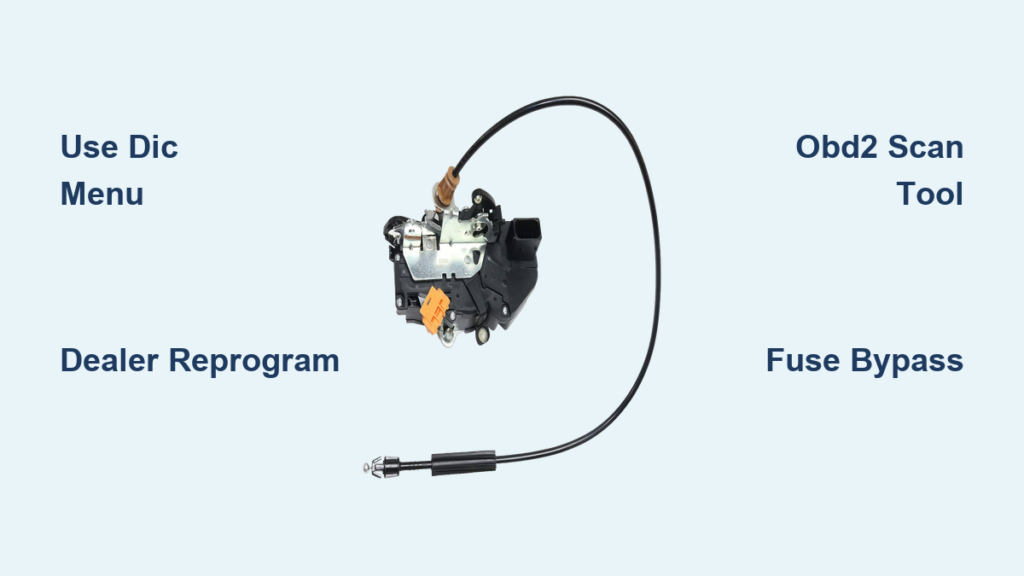
That sudden “CLANK” every time you hit 10 mph is enough to make any Silverado owner cringe. The auto door lock feature was designed for safety, but in practice it creates noise, wears out actuators, and removes your control over a basic function. Work truck drivers, parents, and daily commuters alike want it gone.
This guide covers every proven method to disable auto door locks on your Silverado, sorted by model year. You’ll learn free software tricks, dealer workarounds using a specific GM technical bulletin, and a permanent hardware bypass that works on any truck. No guesswork, no dealership runaround.
Check Your Model Year First
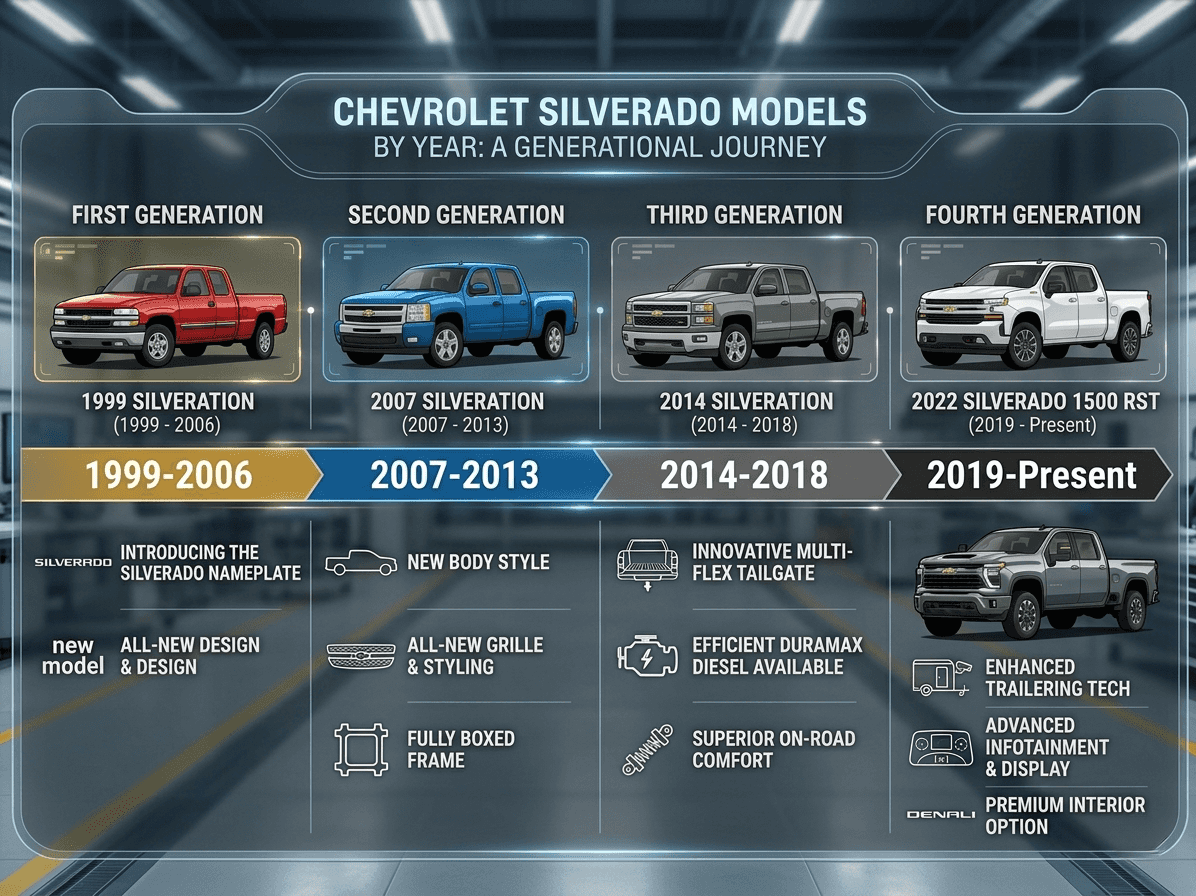
Your model year determines which method will actually work. GM changed the system architecture multiple times, so what works on a 2006 will fail completely on a 2015.
2005–2007: Use the DIC Menu
Early Silverados let you disable auto locks directly from the Driver Information Center (DIC) on your dashboard. This is the easiest path if your truck falls in this range.
- Turn the ignition to ON with the engine off.
- Press the Menu button until “Auto Door Lock” appears on the screen.
- Use the toggle to scroll through options like Off, Driver Out of Key, or All In Park.
- Select “Off” or remove the checkmark from any active setting.
- Press Reset or Enter to save your selection.
Success sign: No doors lock when you drive or shift gears.
⚠️ Note: GM removed this menu option after 2007. If you don’t see it, your truck requires a different approach.
2007–2013: Dealer Reprogramming Required
From 2007 onward, GM locked the user menu. The only factory-approved path is a Body Control Module (BCM) reprogramming at a dealership. The good news: a specific technical document authorizes this exact request.
Key document: TSB PIT3189Q. This Technical Service Bulletin confirms dealers can disable auto locks upon customer request using a special calibration.
How to Get the Dealer to Do It
- Download TSB PIT3189Q and bring a printed copy to your dealer.
- Ask specifically: “Can you disable auto door locks using the ‘Per Customer Request Only’ calibration in TIS2Web?”
- The technician will connect to TIS2Web, navigate to Calibration Selection > Locking, and select “(Per Customer Request Only) Auto door locks off, option no longer in DIC.”
- Confirm the change by checking the DIC (if equipped) for no checkmark under “Auto Door Lock.”
Cost: Typically $50 or less, though some dealers waive the fee if you push politely.
🛑 If the dealer refuses: Ask for a service manager. Cite the TSB directly and mention emergency egress or work truck needs as your reason.
2014–2018: Try Button Sequence or Scan Tool
The K2XX platform brought back limited user control, though it doesn’t work on every trim. Try these three methods in order.
The 10-Second Button Trick
- Turn ignition to ON (engine off).
- Press and hold the driver’s door lock button (the manual switch on the door panel, not the key fob).
- Continue holding for 10 seconds.
- Release when you hear a single chime.
Success sign: The chime confirms a reset. Test by driving above 10 mph to confirm doors stay unlocked.
🔁 If no chime or auto locks persist: Your trim or software doesn’t support this method. Move to the scan tool option.
Use an OBD2 Scan Tool
Advanced scanners like Autel MaxiCOM, Tech2, or GM-compatible tools can access the BCM directly.
- Plug into the OBD2 port under the dashboard.
- Select Body Control Module (BCM).
- Navigate to Configuration > Auto Lock or Speed-Based Locking.
- Change the setting to Disabled.
- Save and exit.
Tip: If the option is missing, your software may need an update before the setting becomes available.
Dealer Option Still Works
If scan tools fail, dealers can still disable it using TIS2Web. The same TSB PIT3189Q applies to 2014+ models.
2019+ Models: Limited Options and Workarounds
Post-2019 Silverados offer no direct disable through menus or buttons. Your best options are workarounds or the hardware bypass covered below.
Double-Pull Unlock Feature
Even with auto locks active, you can unlock the driver’s door while moving:
– Pull the interior handle twice quickly.
– The door unlocks without shifting to Park.
This doesn’t disable auto lock, but it helps during emergencies.
Request the “Inconvenience Package”
This isn’t an official GM term, but some dealers will disable a bundle of features:
– Auto door locks
– Express windows
– Entry lighting
Say: “I’d like the inconvenience package. Disable all auto features.” Some technicians recognize the request.
Hardware Bypass: Permanent and Switchable Fix
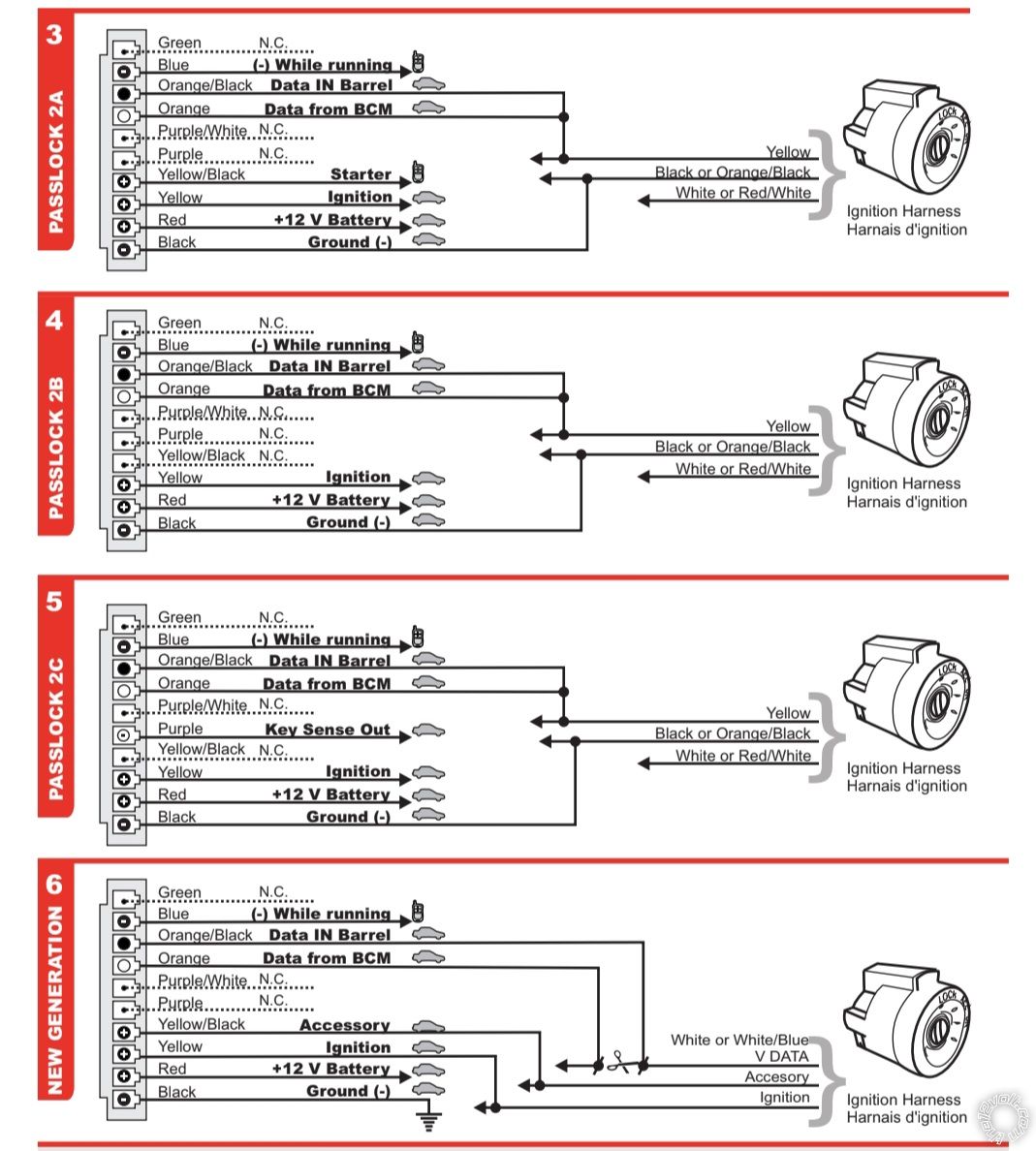
If software methods fail or you want total control, install a fuse bypass switch. This works on any model year and lets you toggle auto locks on and off at will.
Why Choose Hardware
- No dealer visits or fees
- Fully reversible
- Switchable for different drivers
- Prevents actuator wear
What You’ll Need
| Item | Purpose |
|---|---|
| Mini ATM fuse taps (CT6100) | Tap into fuse circuits |
| SPDT toggle switch (110V) | Toggle lock function |
| Inline fuse holder with 5A fuse | Prevent shorts |
| 16–18 AWG wire, spade connectors | Wiring |
| Soldering iron, heat shrink | Secure connections |
Step-by-Step Installation
Find the Correct Fuses
- Open the cabin fuse panel on the driver’s side dash.
- Turn ignition ON.
- Remove fuses one at a time while testing:
– Shift into Drive
– Drive above 10 mph - When auto locks stop working, you’ve found the circuit.
Common circuits: On 2009–2013 HD models, fuses #11 and #21 typically control this function. Verify for your specific VIN.
Build the Bypass Harness
For each target fuse:
1. Use a CT6100 fuse tap to connect both sides of the fuse slot.
2. Cut the wire and insert an inline fuse holder with a 5A fuse.
3. Route wires to a single SPDT toggle switch.
🔧 Pro Tip: Solder all connections and cover with heat shrink. Avoid electrical tape.
Mount and Connect
- Drill a hole or use a blank dash switch slot.
- Mount the toggle switch.
- Plug the harnesses into the fuse slots.
- Connect wires to the switch.
Test and Secure
- Switch OFF: Auto locks disabled. Doors stay unlocked.
- Switch ON: Factory behavior restored.
- Test by shifting into Drive and driving.
✅ Final check: Confirm no interference with the fuse box lid and all wires are secured.
🔐 Safety note: Inline fuses protect against shorts and potential fire. Never skip them.
Troubleshoot Common Issues
No DIC Option? That’s by Design
After 2007, GM removed the menu. No reset will bring it back.
Solution: Dealer reprogramming or hardware bypass.
Dealer Says “Can’t Be Done”
Many technicians don’t know about TSB PIT3189Q.
Fix:
– Print the TSB and bring it with you.
– Request the “Per Customer Request Only” calibration.
– Escalate to a service manager if needed.
Chime but No Change? Button Method Failed
The 10-second trick doesn’t work on all 2014+ trims.
Next step: Use an OBD2 scan tool or visit a dealer.
Alarm Goes Off After Bypass
Rare, but possible if doors are open with the bypass active.
Fix: Toggle the switch back ON, close the doors, or manually lock them.
“Doors Not Locked” Warning Appears
This is normal when auto locks are disabled.
Action: Ignore it, or re-enable the feature if safety is a concern.
Prevent Actuator Failure
Auto locks cycle every drive, wearing out actuators faster on work trucks and delivery vehicles.
Failure signs:
– Slow or partial lock/unlock
– “CLANK” turning into a “thud”
– One door not responding
Replacement cost: Over $100 per actuator plus 3+ hours of labor per door.
Best prevention: Disable auto locks to reduce cycling by up to 90%.
Cost Comparison Across Methods
| Method | Cost | Reversible? | DIY Possible? |
|---|---|---|---|
| DIC Menu | Free | Yes | Yes |
| Dealer Reprogram | ~$50 | Yes | No |
| OBD2 Tool | $100–$300 (tool) | Yes | Yes |
| Hardware Bypass | Under $20 | Yes | Yes |
Best value: Hardware bypass. It’s cheap, permanent, and switchable.
Frequently Asked Questions About Silverado Auto Door Locks
Can I disable auto door locks without going to a dealer?
Yes. On 2005–2007 models, use the DIC menu. On any model year, install a fuse bypass switch for under $20 in parts.
Will disabling auto locks void my warranty?
Dealer reprogramming and hardware bypasses are generally non-destructive and reversible. However, any electrical modification carries some risk. Keep records and consider re-enabling before warranty service.
Why does my Silverado make a loud clunk when driving?
The “CLANK” is the door lock actuator engaging at 8–15 mph. It’s normal factory behavior, but disabling the feature eliminates the noise entirely.
Does TSB PIT3189Q apply to 2014 and newer models?
Yes. The TSB covers multiple generations, and dealers can use the “Per Customer Request Only” calibration on most BCM-equipped trucks. Some 2019+ models may have limited options.
Will disabling auto locks affect my alarm system?
Rarely. In some cases, opening a door with the bypass active may trigger the alarm. Toggle the switch back ON or manually lock the doors to prevent this.
What’s the cheapest way to disable auto locks on a 2015 Silverado?
Try the 10-second button trick first (free). If that fails, the hardware bypass costs under $20 and takes about an hour to install.
Key Takeaways for Disabling Silverado Auto Door Locks

Disabling the auto door lock on your Silverado is practical, safe, and often necessary. Whether you’re a contractor making dozens of stops daily or someone who values emergency preparedness, you should control when your doors lock.
- 2005–2007: Use the DIC menu. It’s free and takes two minutes.
- 2007–2018: Bring TSB PIT3189Q to your dealer or use an OBD2 scan tool.
- Any model: Install a fuse bypass switch for total, toggleable control.
The “CLANK” doesn’t have to be part of every drive. Pick your method, gather your tools, and take back control of your truck today.