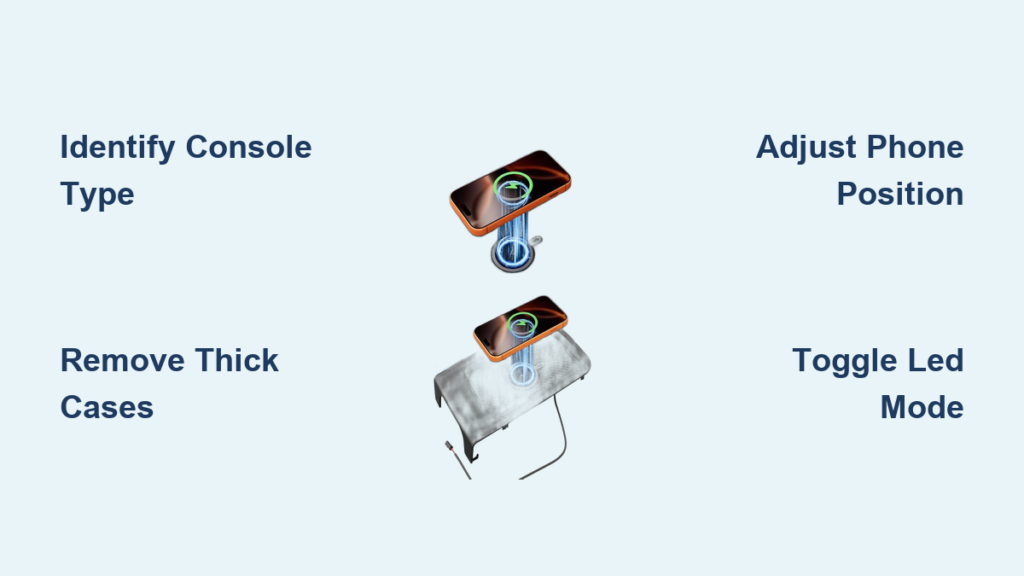
If you own a 2019–2026 Chevy Silverado and the wireless charger keeps showing a yellow warning triangle or only works when you place your phone at a strange angle, you are not alone. Many drivers struggle with inconsistent charging, especially when using newer smartphones like the Samsung Galaxy S24 Ultra or iPhone 15 Pro Max. The good news is that most issues come down to console type, phone placement, and a quick software update from your dealer.
This guide walks you through exactly how to use the wireless charger in your Chevy Silverado. You will learn how to identify your console, toggle the LED modes, fix Samsung and iPhone compatibility problems, install an aftermarket kit, and keep your system running reliably.
Identify Your Silverado Console Type First

Before troubleshooting or installing anything, you need to confirm your console configuration. The wrong fitment is the #1 reason aftermarket kits fail to install properly.
Center Jump Seat vs Full Center Console
Your Silverado has one of two main console layouts:
- Center Jump Seat: Folds out into a passenger seat. Common in work trims and Double Cab models.
- Full Center Console: Fixed storage console with an armrest. Found in LTZ, High Country, and ZR2 trims.
Always confirm your console type before buying accessories or watching installation videos.
Use the Fitment Matrix to Confirm Compatibility
Aftermarket kits require exact console matching. Here is a simplified fitment guide:
| Console Type | Model Years | Video Reference |
|---|---|---|
| Center Jump Seat | 2022–2026 | Video D Protocol |
| Full Center Console | 2022–2024 | Video C Protocol |
| Power Sliding Console | 2021–2024 | Video E Protocol |
| Non-Sliding Console | 2021–2024 | Video F Protocol |
Sellers like Boost Auto and 404parts.com often offer VIN verification at checkout to guarantee you get the correct kit.
Activate and Control the Charger LED Modes
Your Silverado’s wireless charger has a sub-flush button that controls both power and lighting. Knowing how to cycle the modes reduces glare at night and confirms charging status.
Toggle Between Status and Dark Modes
Press the button once to switch between two display settings:
- Mode 1 (Status Indication): Red light when idle, blue light when charging, red again when phone is removed.
- Mode 2 (Dark Idle): No light when idle, blue light only when charging, dark when phone is removed.
Mode 2 is ideal for night driving because it eliminates dashboard distractions.
Power the Unit Off Completely
For long-term storage or to eliminate standby draw:
- Press and hold the button for 3 seconds.
- The unit powers off completely.
- Press and hold again to turn it back on.
This is useful if you store your truck for weeks at a time.
Place Your Phone in the Correct Charging Position
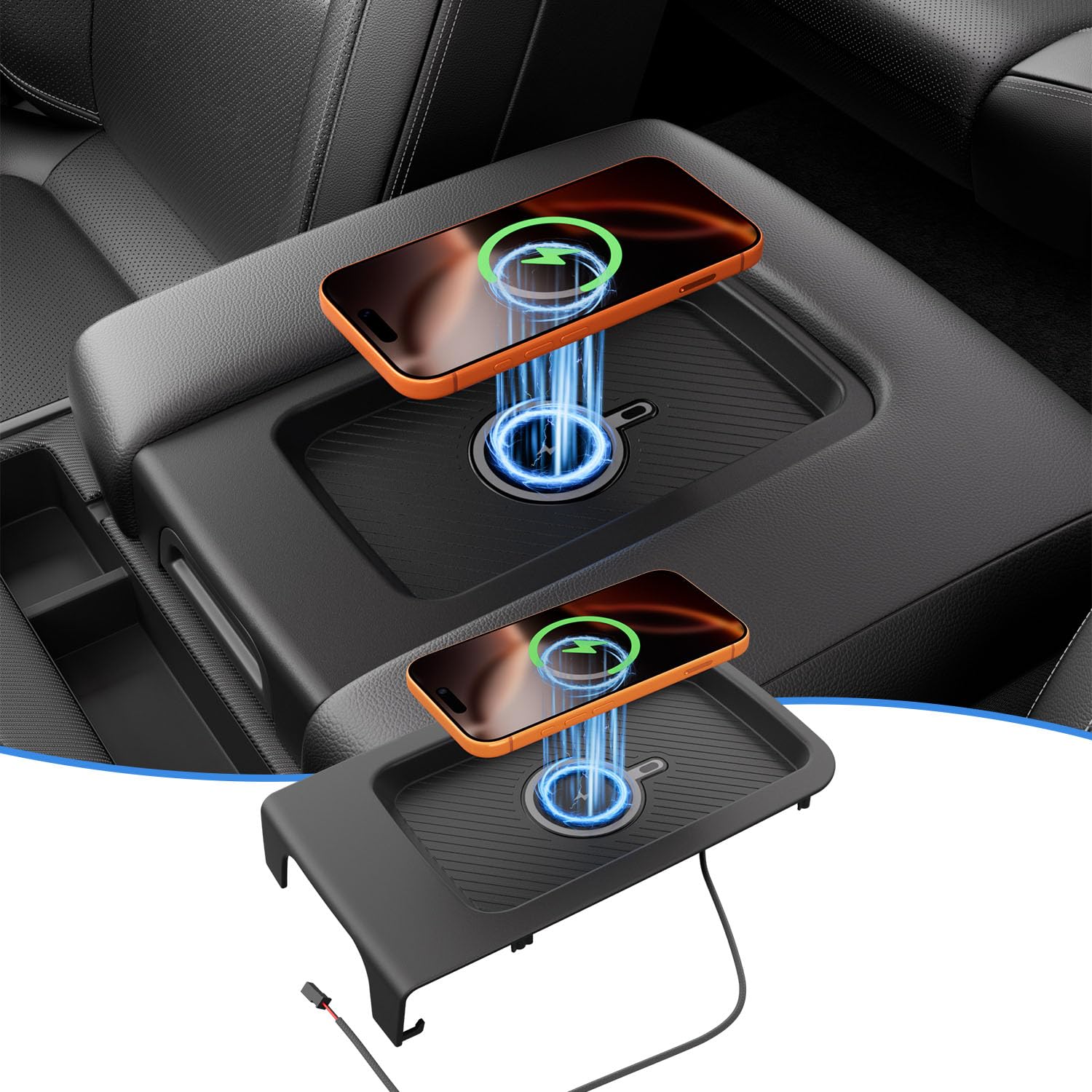
Even with the right hardware, improper placement causes most charging failures. The triple-coil design offers flexibility, but only within specific zones.
Find the Charging Sweet Spot
Most users need to adjust their phone’s position to align with the internal coils. Common problems include:
- Phone sits too low in the slot.
- Thick cases increase the distance beyond effective range.
- Oversized phones like the S24 Ultra shift the coil alignment.
Pro Tip: Optimal charging often occurs when the phone is elevated about ½ inch from the bottom of the tray.
Fix the Most Common Placement Problems
Try these adjustments if your phone will not charge:
- Remove bulky cases like OtterBox or magnetic rings.
- Use a rubber insert or non-slip mat to raise the phone slightly.
- Try top-toward-rear orientation (charging port facing the back of the truck).
- Test top-toward-front if rear-facing does not work.
One Silverado owner reported a 2-out-of-3 success rate with S24 phones using the rear-facing method.
Troubleshoot Samsung Galaxy and iPhone Charging Issues
Even Qi-certified phones can fail to charge reliably. Samsung Galaxy Ultra models and iPhone 15 series are the most commonly affected.
Fix Samsung S24 and S23 Charging Failures
Many 2019–2026 Silverados show a yellow warning triangle or a brief charging icon with Samsung Ultra phones.
Root Causes:
- Coil misalignment due to phone size.
- Outdated charging module hardware.
- Incompatible software protocol between phone and charger.
Verified Solutions:
- Remove thick or magnetic cases.
- Adjust phone orientation (top-toward-rear or top-toward-front).
- Visit a GM dealership and reference Service Bulletin W-6077B.
At the dealership, technicians will inspect the module. If the hardware is outdated, they replace it. If the hardware is current, they perform a software update to enable compatibility. This fix is often covered under warranty or active service plans.
Optimize iPhone Charging Performance
iPhones (8 and newer) generally work better but may still need positioning tweaks.
Tips for iPhone 15 Pro Max Users:
- Use a thin case or charge without a case.
- Align the center of the phone with the center of the charging pad.
- Confirm the LED turns blue. If it stays red, reposition the phone.
The system delivers 7.5W for iPhones and up to 15W for compatible Android devices.
Install an Aftermarket Wireless Charger Kit
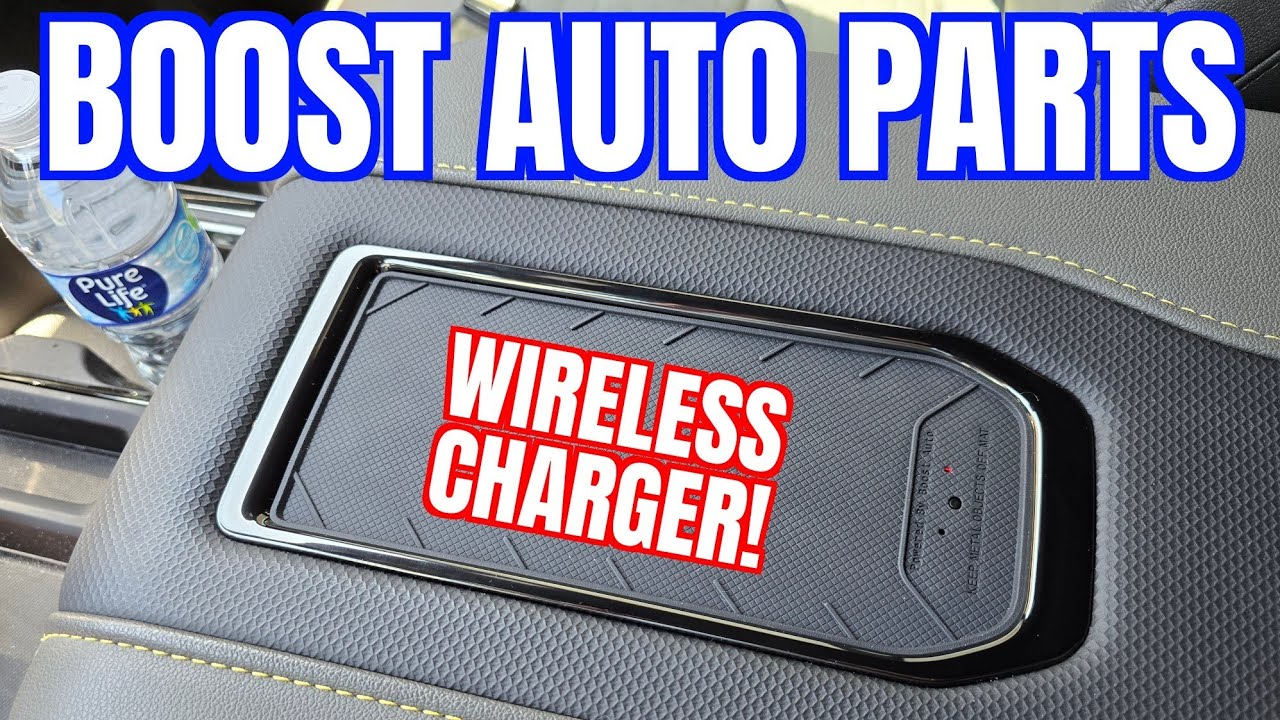
If your Silverado did not come with wireless charging, you can add it with a plug-and-play kit. No wiring cuts are required.
Choose the Right Upgrade Kit
Two popular options stand out:
| Kit Provider | Price | Key Features | Limitations |
|---|---|---|---|
| Boost Auto | ~$158.57 | OEM look, easy install, 1-year warranty | No radio screen charging icon |
| 404parts.com | ~$369.99 | Genuine GM parts, VIN verification | Higher cost, same icon limitation |
Both kits use 15W triple-coil charging and connect via a plug-and-play harness.
Complete the Installation in 15–30 Minutes
Tools Needed:
- Phillips screwdriver
- 3/8″ drill bit (for some models)
- Trim removal tool
Installation Steps:
- Confirm console type (Jump Seat vs Full Console).
- Remove center console trim using a trim tool.
- Plug in the harness to factory ports.
- Mount the charging module with included brackets.
- Reassemble the trim and test the system.
Most DIYers finish in 15–30 minutes using model-specific video guides.
Maximize Charging Speed and Reliability
Wireless charging is convenient but not always fast. Use these tips to get the best performance from your system.
Avoid the Most Common Charging Killers
- Thick cases: Reduce efficiency by increasing coil distance.
- Misalignment: The phone must be centered and elevated slightly.
- Heat buildup: Prolonged charging in hot cabins may throttle speed.
- Dirty tray: Dust or debris can block coil contact.
Pro Tip: A 3D-printed alignment adapter ($20–$50 on Amazon or Etsy) locks your phone in the perfect position every time.
Compare Real-World Charging Speeds
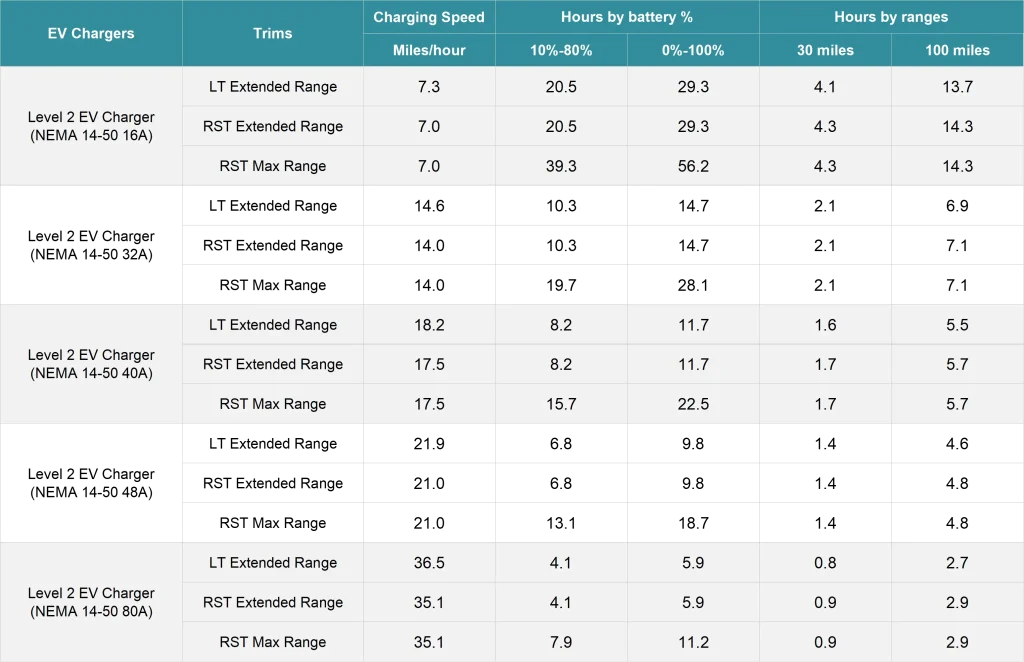
| Method | Max Output | Approximate Speed |
|---|---|---|
| Wireless Charger (15W) | 15W | ~50% in 1 hour |
| Wired Fast Charger | 18–25W | ~70% in 1 hour |
| 12V USB Adapter | 5–10W | ~30% in 1 hour |
While not as fast as wired charging, wireless beats 12V adapters and keeps your cabin clutter-free.
Understand the Connectivity Limitations
Adding a wireless charger does not enable Wireless Apple CarPlay or Wireless Android Auto unless your truck already supports it.
CarPlay and Android Auto Facts
- Wireless chargers only supply power, not data.
- A wired USB connection is still required for CarPlay or Android Auto if your truck lacks wireless projection.
- Charging status may appear in CarPlay or Android Auto even if the radio screen does not show a charging icon (common with 404parts.com kits).
If your infotainment system says “Connect via USB,” you will need a cable for data even while charging wirelessly.
Maintain Your Wireless Charging System
A little routine maintenance keeps your charger working reliably for years.
Clean the Charging Tray Monthly
Dust and lint reduce charging efficiency.
Steps:
- Power off the charger (hold button 3 seconds).
- Remove your phone and wipe the tray with a dry microfiber cloth.
- Use compressed air to clear crevices.
- Avoid liquids or sprays near the coil area.
Prevent Battery Drain During Storage
Standby power draw is minimal, but you can shut off the unit completely:
- Hold the button for 3 seconds to power down.
- Hold again to reactivate when needed.
This is especially helpful for seasonal trucks or vehicles stored for long periods.
Frequently Asked Questions About Wireless Charging in Chevy Silverado
Why does my Chevy Silverado wireless charger show a yellow triangle with my Samsung S24?
The yellow warning triangle usually indicates coil misalignment or an outdated charging module. Try removing your case and repositioning the phone top-toward-rear. If the issue persists, visit a GM dealership and reference Service Bulletin W-6077B for a hardware inspection or software update.
Can I install a wireless charger in a Silverado that did not come with one?
Yes. Plug-and-play kits from Boost Auto (~$158.57) or 404parts.com (~$369.99) install in 15–30 minutes without cutting any factory wires. You must confirm your console type (Jump Seat or Full Console) before ordering.
Does the wireless charger enable Wireless Apple CarPlay?
No. The wireless charger only supplies power. If your Silverado does not already support Wireless CarPlay or Wireless Android Auto, you will still need a USB cable for data connectivity.
How fast does the Silverado wireless charger charge an iPhone?
The system delivers 7.5W to iPhones, which is slower than wired fast charging but faster than a standard 12V USB adapter. Expect roughly 50% charge in one hour under ideal conditions.
What is the best case for wireless charging in a Silverado?
Thin cases under 3mm work best. Avoid thick cases like OtterBox or cases with magnetic rings (MagSafe), which increase coil distance and cause charging failures.
How do I turn off the wireless charger light at night?
Press the sub-flush button once to switch to Dark Idle Mode. The LED will stay off when no phone is present and only glow blue during active charging.
Key Takeaways for Using Your Chevy Silverado Wireless Charger
Using the wireless charger in your Chevy Silverado should be simple, but newer phones and hardware variations often create unexpected issues. Start by confirming your console type, then optimize phone placement by removing thick cases and elevating the phone about ½ inch. If you own a Samsung Galaxy S24 or S23 Ultra, reference GM Service Bulletin W-6077B at your dealership for a free hardware or software fix. For trucks without factory charging, a plug-and-play kit from Boost Auto or 404parts.com installs in under 30 minutes and delivers reliable 15W performance. With the right setup, you can enjoy cable-free charging on every drive.