
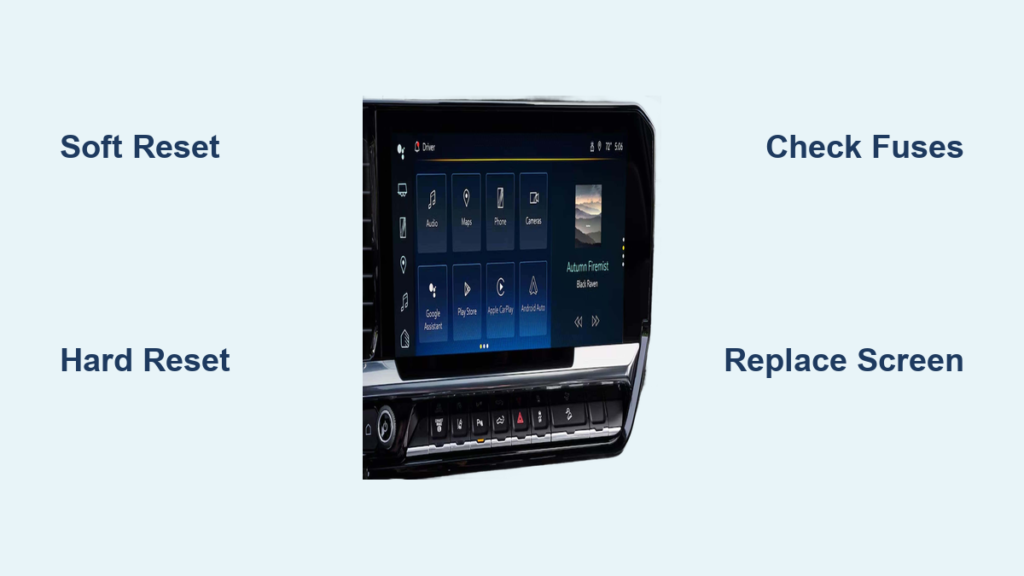
A Silverado touch screen not working can turn a simple drive into a battle with phantom inputs, frozen menus, or a completely blank display. If your 2016–2021 Chevrolet Silverado has started acting on its own—switching radio stations, dialing contacts, or refusing to respond to your taps—you’re dealing with a widespread defect, not a one-off glitch.
This guide will walk you through how to identify the exact cause, rule out quick software fixes, and choose the right repair based on your symptoms and model year. Whether you need a 15-second reset or a full screen replacement, you’ll have a clear path forward without overspending at the dealership.
Identify Your Symptoms Before Touching Anything
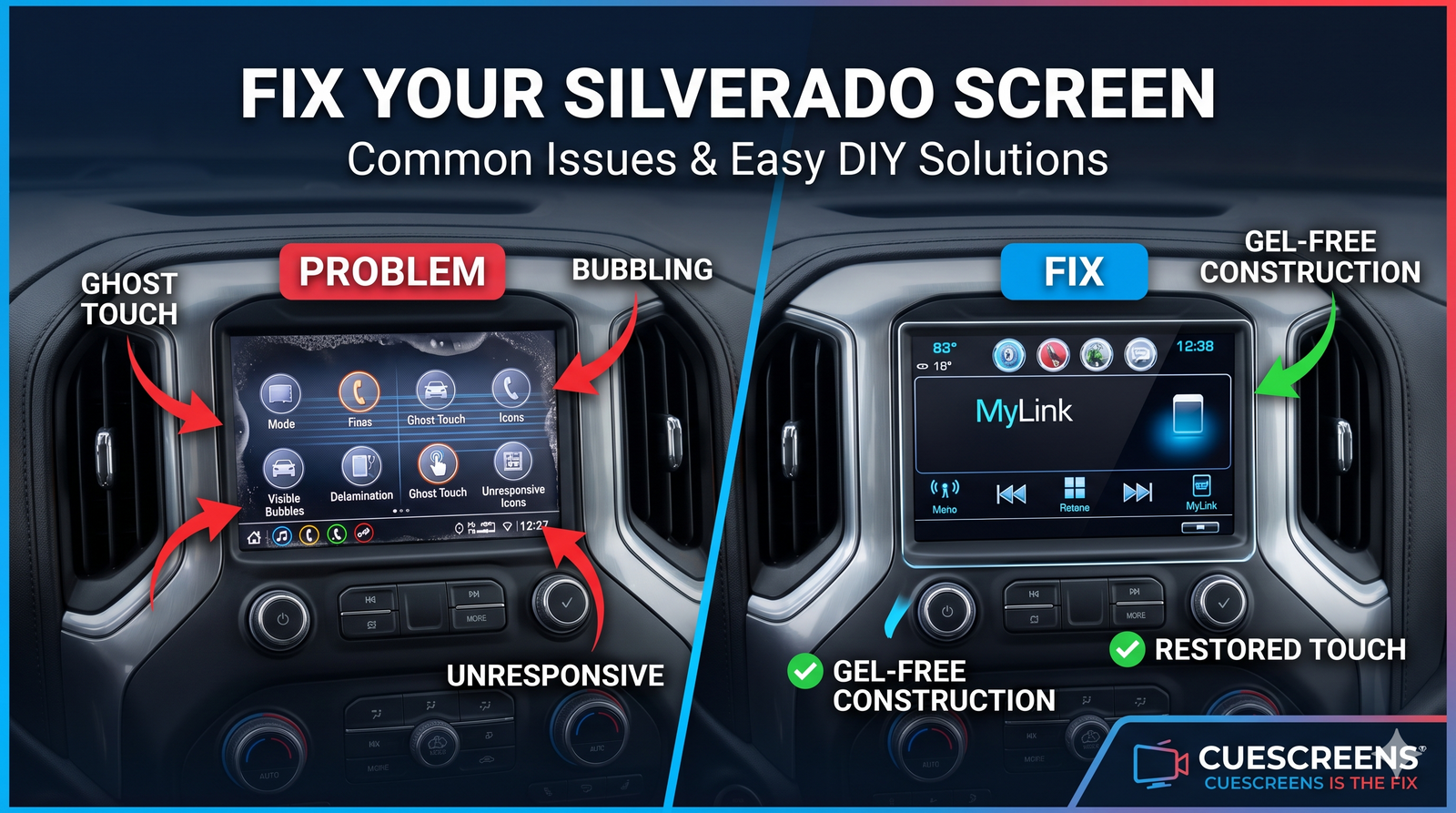
Not every touch screen failure is the same. The symptoms you see determine whether you’re dealing with a software hiccup or a hardware defect.
Ghost Touch vs. Dead Zones
Ghost touch happens when the screen registers inputs you never made. Menus open on their own, volume jumps randomly, or the system dials contacts without your finger ever touching the glass. This is a definitive sign of hardware failure in the digitizer (the touch-sensing layer). The problem usually starts intermittently and worsens over weeks or months.
Dead zones occur when parts of the screen stop responding. You might tap “Climate” repeatedly with no result, but a small corner still works. This is almost always hardware-related, caused by delamination—the separation of the LCD and digitizer layers.
Both symptoms get worse in hot weather. If your screen misbehaves more on summer days, the cause is almost certainly heat-damaged adhesive inside the assembly.
Black Screen: Check Power First
A completely black screen with no backlight is a different problem. If the display shows nothing at all, the issue is likely electrical:
- A blown infotainment fuse
- Loose or corroded wiring
- A weak battery or recent power interruption
Unlike ghost touch or dead zones, a black screen sometimes points to a software crash, but only if the backlight is still on and the image flickers faintly.
Step 1: Try a Soft Reset First
Many owners skip this step and jump straight to replacement. Don’t. A soft reset takes 15 seconds and can resolve temporary glitches.
Home + Fast Forward Button (2016–2018 Models)
- Put the truck in Park.
- Press and hold the Home and Fast Forward buttons on the radio.
- Hold for 10 seconds until the screen goes dark.
- Release and wait for the system to reboot.
This forces the infotainment system to restart and clear temporary memory errors.
End Call Button (All Models)
If the first method doesn’t work:
- Press and hold the End Call button on the steering wheel.
- Hold for 15–60 seconds until the screen resets.
- Wait for the Chevy logo to reappear.
This method works even if the touch screen is completely frozen.
Power Knob Method (Alternative)
On some trims:
- Press and hold the Volume/Power knob.
- Hold for 10–15 seconds until the screen restarts.
If any reset works and the screen stays functional afterward, the issue was software-related. If the problem returns within hours or days, you have a hardware failure.
Step 2: Perform a Hard Reset
If soft resets fail or the problem keeps coming back, move to a hard reset. This clears deeper system faults by cutting all power.
Disconnect the Battery
- Turn off the truck and remove the key.
- Open the hood and locate the negative battery terminal.
- Disconnect the black (-) cable using a wrench.
- Wait at least 10 minutes to ensure all capacitors discharge.
- Reconnect the terminal and tighten it securely.
Your clock and radio presets may reset. Bluetooth pairings usually survive. This step often resolves intermittent freezes or slow response caused by software overload.
Step 3: Check Fuses and the Blue Connector
A black screen with no backlight means power isn’t reaching the display. Start your inspection here.
Locate the Infotainment Fuse
Check both fuse boxes:
– Under the dash on the driver’s side
– In the engine compartment
Look for fuses labeled “Radio,” “Infotainment,” or “Display.” Use the diagram on the box cover to confirm. Pull the fuse and inspect it:
- Is the metal strip broken?
- Are there burn marks or discoloration?
Replace with the same amperage fuse, usually 10A or 15A.
Clean the Blue Connector (Critical Fix)
A known failure point in many GM trucks is a blue electrical connector under the top battery cover. Corrosion here can knock out the infotainment system, blower motor, and steering controls.
- Remove the plastic cover over the battery.
- Look for a small blue connector near the battery post.
- Unplug it and inspect the metal contacts.
- If they’re green or corroded, clean them with:
– A pipe cleaner
– Fine sandpaper
– CRC electrical contact cleaner
Let everything dry completely, then reconnect firmly. This single fix has restored full function to multiple systems in many trucks.
Diagnose by Model Year
Your Silverado’s model year points to the most likely cause. The failure patterns differ across generations.
2016–2018: MyLink System Failures
These early models use the DJ080PA-01A screen platform. Most suffer from:
– Ghost touch
– Bubbling on the screen surface
– Visible delamination
The root cause is gel adhesive breakdown from heat. Resets won’t fix this. It’s permanent hardware failure.
2019–2021: IntelliLink / GM Infotainment
These trucks use the same screen hardware with updated software. Common issues include:
– Intermittent touch failure
– Software freezes
– Emerging ghost touch
Even if the system reboots, if touch issues return, the screen is failing.
2024 and Newer: Software May Be the Culprit
Newer models report isolated touch failures. Often:
– The issue resolves itself
– A reset fixes it permanently
– A dealer software update resolves it
Try a soft reset and software update first. Hardware failure is less common in these trucks.
Replace the Screen, Not the Whole Head Unit
If resets fail and symptoms persist, you need to replace the screen assembly, not the entire radio. The processor and software are fine. Only the display is broken.
Option A: Digitizer-Only Replacement
Best for:
– Clear image with no lines or spots
– Only touch issues like ghost touch or dead zones
You replace just the touch glass layer.
– Cost: Around $100–$150
– Risk: You must carefully peel off the old digitizer, which can damage the LCD if done wrong
– DIY Level: Moderate
Only recommended if you’re experienced with electronics repair.
Option B: Full LCD + Digitizer Assembly
Best for:
– Any visual defects like bubbles, lines, or flickering
– First-time repairs
– A plug-and-play fix
You install a pre-bonded screen with both the LCD and touch layer.
– Cost: Around $199
– No glue scraping: Just unplug the old screen and plug in the new one
– Often includes an upgraded chip for better performance
– Built with gel-free adhesive to prevent future heat damage
This is the most reliable long-term fix.
Installation: Plug-and-Play Steps
Replacing the screen is simpler than most owners expect. Most people finish in under an hour.
Tools You’ll Need
- Trim removal tool or flat plastic pry tool
- 7mm socket or ratchet
- Small towel to protect the dash
Step-by-Step Replacement
- Turn off the truck and remove the key.
- Remove the dash bezel by gently prying around the edges with a trim tool. Start at the bottom and work upward. Unclip carefully without forcing.
- Unscrew the head unit by removing the 2–4 screws holding it in place.
- Pull out the radio by sliding it forward and disconnecting the main harness and antenna cable.
- Remove the screen assembly by unplugging the ribbon cable connecting the screen to the main board, then lifting the screen out.
- Install the new screen by plugging in the ribbon cable and inserting it into the frame.
- Reinstall the head unit by sliding it back in, reattaching the harness and antenna, and screwing it down.
- Reattach the bezel and test the system.
No programming is needed. The screen powers on like new.
Avoid Dealer Overcharges
Dealers often push full head unit replacements costing $800–$1,500 or more. You don’t need that.
Why Dealers Recommend Expensive Fixes
- They sell complete units, not individual screens
- Labor pricing favors complex jobs
- Software updates are quick but don’t fix hardware
What to Say at the Dealer
If you visit a dealership, try this approach:
– “I’ve already ruled out software with resets.”
– “I’m aware of the adhesive failure issue in this model.”
– “I’d like a quote for just the screen assembly.”
Many dealers will still push the full unit. In that case, go DIY or use a third-party installer.
Find a Pro Installer If You’re Not DIY

You don’t have to do the work yourself. Networks like Cuescreens have over 2,000 certified installers nationwide.
What to Expect
- Cost: $100–$200 for labor
- Time: 1–2 hours
- Warranty: Most shops offer 1–2 years
Search “Silverado screen replacement near me” or visit the installer’s website to find a local expert.
Prevent Future Failures
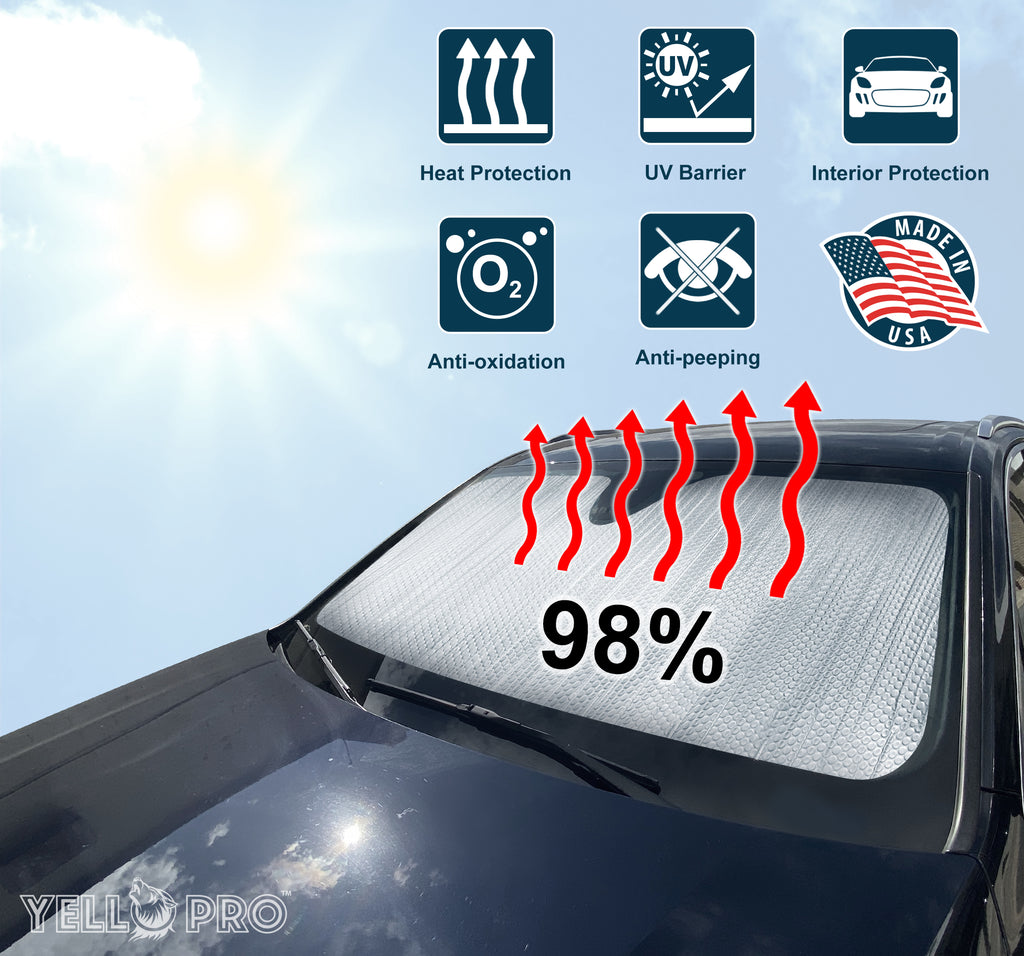
Even a new screen can fail if exposed to extreme heat. Protect your investment with these habits.
Use a Sunshade
Park with a dashboard sunshade, especially in summer. This can reduce interior temperatures by 30–50°F.
Park in the Shade
Whenever possible, avoid direct sunlight. Even 10 minutes less heat exposure per day helps preserve the adhesive.
Restart Weekly
Turn the truck off, open the door, wait a minute, then restart. This clears system memory and prevents software lag.
Frequently Asked Questions About Silverado Touch Screen Problems
Why does my Silverado touch screen act on its own?
Ghost touch is caused by hardware failure in the digitizer layer. Heat degrades the gel adhesive bonding the LCD to the touch sensor, creating phantom inputs. This is not a software issue and cannot be fixed with a reset.
Will a software update fix my unresponsive Silverado screen?
Software updates can resolve frozen interfaces or crashes, but they cannot repair physical damage like delamination or a failing digitizer. If your screen has dead zones or ghost touch, you need a hardware replacement.
How much does it cost to replace a Silverado touch screen?
Dealer head unit replacement typically costs $800–$1,500. Aftermarket screen assemblies cost around $199, with professional installation adding $100–$200. DIY replacement saves even more.
Can I replace just the touch glass instead of the whole screen?
Yes, digitizer-only replacement costs around $100–$150 and works if your LCD image is perfect. However, it requires carefully separating the old digitizer from the LCD, which risks damage. Full assembly replacement is safer and more reliable.
Where is the blue connector that fixes Silverado screen issues?
The blue connector sits under the plastic cover on top of the battery, near the battery post. Corrosion on its contacts can knock out the infotainment system, blower motor, and steering controls. Cleaning it with contact cleaner often restores function.
Is the Silverado touch screen problem covered by warranty?
Coverage depends on your warranty terms and mileage. The adhesive failure typically appears after the standard warranty expires. Some extended warranties or goodwill repairs may apply, but most owners pay out of pocket for aftermarket solutions.
Key Takeaways for Fixing Your Silverado Touch Screen
A Silverado touch screen not working is almost always a repairable hardware defect, not a terminal failure. For 2016–2021 models, heat-damaged adhesive is the primary culprit, and a full screen assembly replacement offers the most reliable fix for around $199. For 2024 and newer trucks, try resets and software updates first since hardware failure is less common.
Start with a soft reset, move to a hard reset if needed, and check fuses and the blue connector before committing to a replacement. When replacement is necessary, skip the dealer’s $1,500 head unit quote and choose a targeted screen repair instead. With the right approach, you can restore full function to your Silverado’s infotainment system for a fraction of the dealership price.



