Driving a 2025 Chevy Silverado involves more than turning the key and hitting the road. It means mastering a powerful, tech-equipped workhorse built for everything from daily commutes to heavy-duty towing. Whether you’re upgrading from a compact SUV or stepping into your first full-size truck, learning how to drive a Silverado properly makes all the difference in performance and safety.
The 2025 Silverado combines advanced drive modes, intelligent 4WD systems, and responsive technology to adapt to any condition. But with great capability comes the need for awareness, especially around braking, visibility, and terrain-specific settings. Misusing 4WD on dry pavement or neglecting Tow/Haul mode under load can lead to drivetrain stress or reduced control.
This guide breaks down exactly how to drive a Silverado with precision. You’ll learn which drive mode to use when, how to shift into 4WD safely, how to adjust for its large footprint, and how to leverage driver-assist tech for safer operation. By the end, you’ll be equipped to handle city streets, snowy backroads, steep trails, and long highway hauls like a pro.
Select the Right Drive Mode

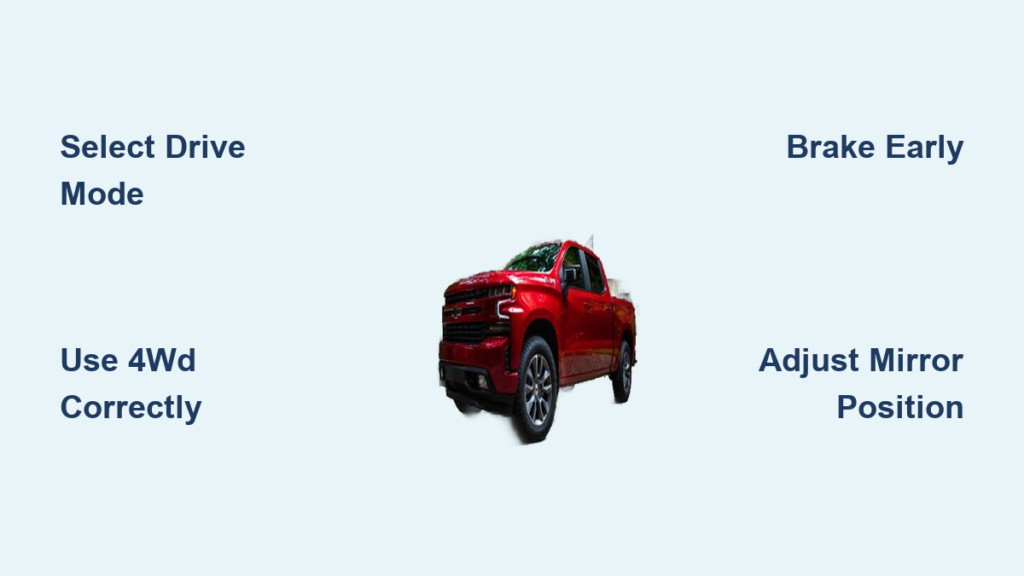
Your Silverado’s drive mode knob is the command center for vehicle behavior. It adjusts throttle response, shift timing, traction control, and stability systems to match conditions. Use the correct mode to optimize control and efficiency.
Use Normal Mode for Daily Driving
Engage Normal Mode for everyday use on paved roads. It balances comfort, fuel economy, and responsiveness, making it ideal for commuting, errands, or highway cruising. This mode softens throttle input slightly and shifts gears early to keep RPMs low. It’s the default setting when you start the truck.
Don’t override it unnecessarily. If you’re driving unloaded on dry pavement, Normal is your best choice for smooth, efficient operation.
Activate Sport Mode for Highway Passing
Switch to Sport Mode when you need quicker acceleration, especially on highways or when merging. It sharpens throttle response and holds gears longer, keeping the engine in its power band. The transmission downshifts more aggressively when you press the pedal.
Use Sport when passing slow traffic or driving on twisty two-lanes where responsiveness matters. Just know that fuel economy drops slightly due to higher RPMs.
Engage Tow/Haul for Heavy Loads
Tow/Haul Mode is mandatory when pulling a trailer or hauling heavy cargo. It prevents excessive gear cycling, meaning constant shifting up and down, which can overheat the transmission. It also increases engine braking on descents, reducing brake fade.
Engage Tow/Haul before moving when towing. You’ll notice the transmission holds lower gears longer on inclines and downgrades. This mode works with all 4WD settings and enhances control in mountainous terrain.
Pro Tip: Even with a heavy bed load like lumber or equipment, use Tow/Haul if the truck feels sluggish or shifts too often.
Switch to Snow/Ice Mode in Winter
Snow/Ice Mode softens throttle response to prevent wheel spin on slippery surfaces. It delays power delivery when you press the accelerator, allowing gradual traction buildup.
Use this mode at the first sign of snow, ice, or slush. Combine it with AUTO or 4WD High for maximum grip. Don’t rely on 4WD alone. Without Snow/Ice mode, aggressive throttle input can still break traction.
Warning: Never use Sport Mode in winter. Its sharp throttle increases skid risk.
Choose Off-Road Mode for Dirt Trails
Off-Road Mode adjusts traction control to allow more wheel slip than street modes. This helps the truck maintain momentum on loose surfaces like dirt, gravel, or sand.
It doesn’t lock differentials or change suspension height. It works with the available 4WD system. Use it for forest roads, unpaved driveways, or muddy fields. The system detects wheel slip and applies brake-based torque vectoring to keep you moving.
Avoid aggressive throttle. Let the mode manage traction while you steer smoothly.
Use Terrain Mode for Rock Crawling
Terrain Mode enables simulated engine braking and ultra-low-speed control, which is perfect for steep inclines, rocky paths, or technical off-roading.
It works like a low-range cruise control, maintaining a set crawl speed without constant brake or throttle input. This frees up your foot for steering precision.
Engage only at very low speeds or when stopped. It pairs best with 4WD Low for maximum torque and control.
Operate 4WD Settings Correctly
The 4WD system gives you control over traction, but incorrect use can damage the drivetrain. Know when and how to shift between modes, especially avoiding 4WD on dry pavement.
Drive in 2WD High on Dry Roads
2WD High sends power to the rear wheels only. It’s the standard setting for normal driving and delivers the best fuel economy.
Use this mode on clear, dry highways and city streets. It reduces mechanical drag and wear on the front axle and transfer case.
Myth Busting: You don’t need 4WD all the time. 2WD is safe and efficient when traction is good.
Set AUTO for Mixed Weather Conditions
AUTO mode automatically switches between 2WD and 4WD based on wheel slip, throttle input, and road sensors.
It’s ideal for:
– Rainy roads with occasional puddles
– Patchy snow or slush
– Unpredictable spring and fall conditions
Let the system decide. You get 4WD benefits without manual shifting, which is perfect for daily drivers in variable climates.
Note: AUTO doesn’t react instantly. If you anticipate low traction, such as entering a snow-covered bridge, switch manually to 4WD High.
Lock in 4WD High for Snow or Mud
4WD High engages both axles permanently, delivering power to all four wheels. Use it when traction is consistently poor.
Best for:
– Snow-covered roads
– Gravel or dirt roads
– Light mud or sand
Do not use on dry pavement. The locked drivetrain can’t absorb rotational differences between front and rear wheels, causing binding, vibration, and potential damage.
Engage while moving under 45 mph or when stopped. A chime confirms successful engagement.
Shift to 4WD Low for Maximum Traction
4WD Low multiplies engine torque through low-range gearing, making it ideal for extreme conditions.
Use it when:
– Climbing or descending steep hills
– Pulling a stuck trailer
– Navigating deep snow, sand, or rock crawls
Requirements:
– Vehicle must be stopped or moving under 3 mph
– Transmission in Neutral
– Foot on brake
Turn the 4WD knob to 4WD Low. Wait for the indicator light to confirm. Never shift into 4WD Low while moving fast, as gear damage can occur.
Speed Limit: Do not exceed 25 mph in 4WD Low.
Place Transfer Case in Neutral for Flat Towing
Neutral disengages the entire drivetrain, which is critical when flat-towing the Silverado behind an RV.
Steps:
1. Park on level ground
2. Apply parking brake
3. Shift transmission to Neutral
4. Turn 4WD knob to Neutral
5. Confirm “Transfer Case Neutral” message
Only tow with all four wheels on the ground in this mode. Failure to engage Neutral can destroy the transmission.
Reminder: This setting is for towing the Silverado, not for towing with the Silverado.
Adjust for Large Vehicle Dynamics

The Silverado is significantly larger than most passenger cars and even older trucks. Failing to account for its size leads to curb strikes, lane drift, and long braking distances.
Anticipate Longer Braking Distances
The Silverado weighs 5,000 to 7,000+ lbs depending on configuration. It cannot stop like a sedan.
Key braking tips:
– Begin braking earlier at intersections and stoplights
– Apply steady, progressive pressure, not sudden stomps
– Use engine braking via Tow/Haul or manual gear selection on long downhill stretches
New drivers often report the brakes feel soft or weak. This is normal due to weight. Upgrade to larger rotors or performance pads if towing frequently.
Warning: Wet roads or heavy loads increase stopping distance dramatically. Double your following gap.
Optimize Mirror Positioning
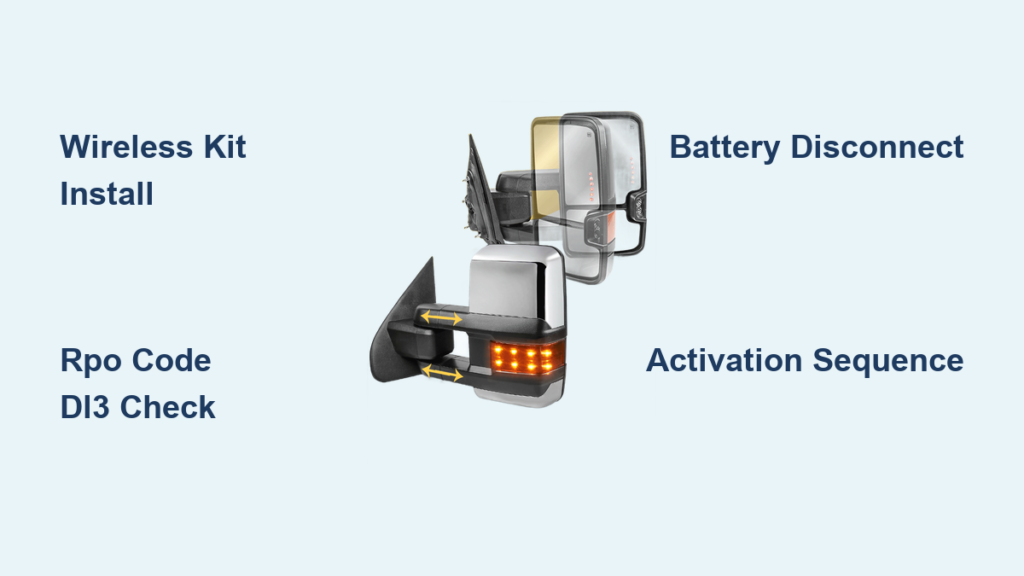
The large side mirrors are essential but can create blind spots if not adjusted correctly.
Proper setup:
– Sit in driving position with hands on wheel
– Adjust left mirror to show just a sliver of your truck’s side
– Set right mirror to eliminate blind spot from passenger side
– Use the blind-spot monitoring system as backup, not replacement
Even experienced drivers take weeks to fully adapt. Check mirrors every 5 to 8 seconds in traffic.
Tip: Use the rearview camera when reversing. The truck’s high rear end creates a large blind zone behind.
Master Dimensional Awareness
The 2025 Silverado is over 8 feet wide and up to 231 inches long on crew cab long bed models. This changes everything about positioning.
Driving adjustments:
– Take wider turns to avoid curbs
– Center the truck in lanes and don’t hug the line
– Give extra space when passing cyclists or parked cars
– Use turn signals earlier since other drivers need more time to react
Practice in empty parking lots. Drive near cones to simulate tight spaces. The goal is to internalize the truck’s footprint.
Leverage Technology for Safer Driving
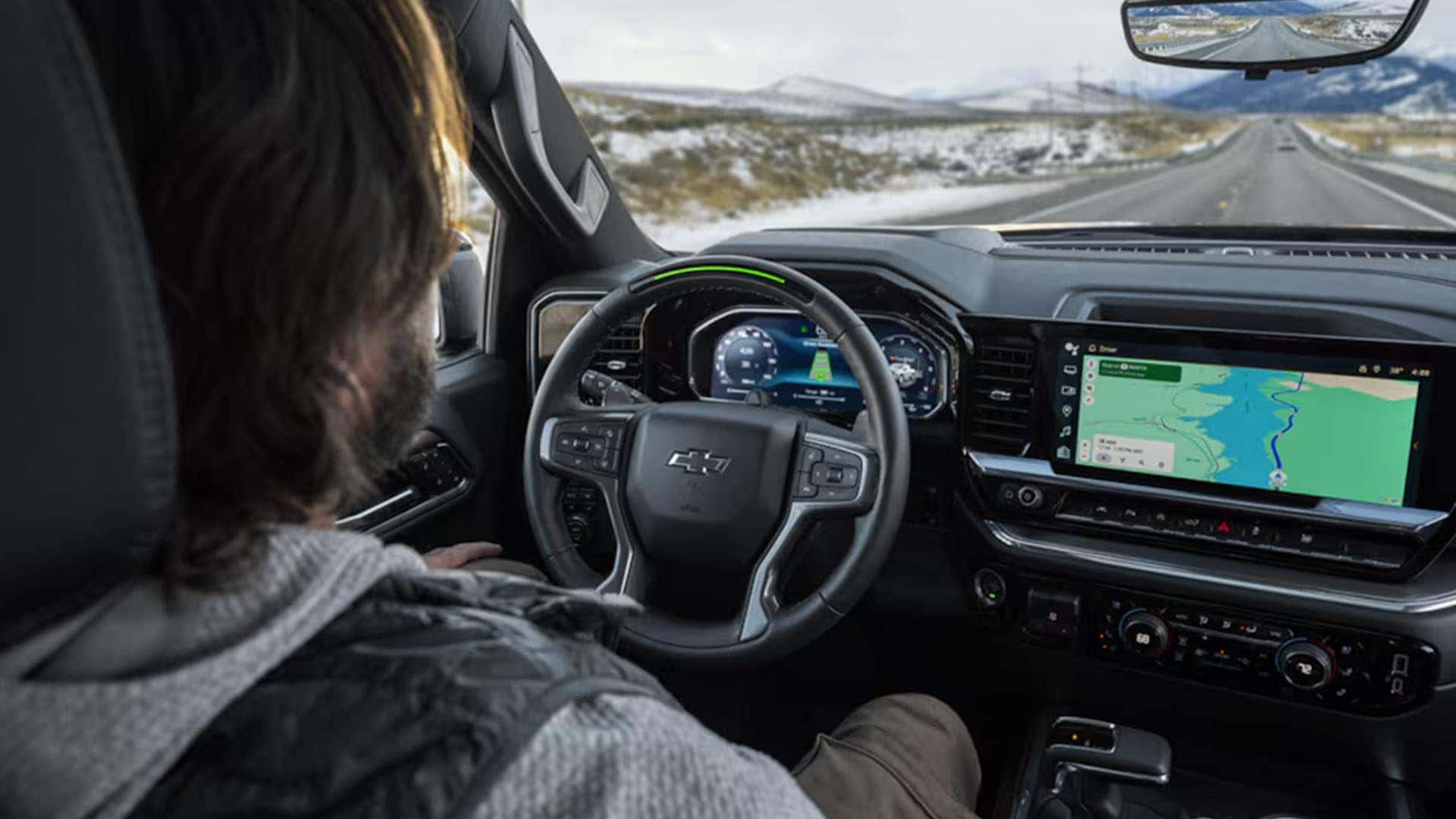
The Silverado’s tech suite enhances safety and comfort, but only if used correctly.
Use Adaptive Cruise Control on Highways
Adaptive Cruise Control (ACC) maintains your set speed and automatically slows if traffic ahead slows.
Best for:
– Long-distance highway driving
– Stop-and-go traffic with driver attention
– Reducing fatigue on commutes
Set your speed and following distance. The system uses radar and camera input. Do not treat it as autonomous driving. Keep hands on the wheel.
Pro Tip: Combine ACC with Lane Keep Assist for semi-automated steering correction.
Enable Lane Departure Warning in Traffic
Lane Departure Warning (LDW) vibrates the seat or flashes a light if you drift from your lane without signaling.
Useful when:
– Drowsy or distracted
– Driving on long, monotonous roads
– Visibility is reduced
It’s a safety net, not a substitute for focus. Disable only if it triggers falsely, such as on faded lane markings.
Rely on Automatic Emergency Braking
Automatic Emergency Braking (AEB) detects potential front collisions and applies brakes if you don’t react.
It works at city and highway speeds and can reduce or prevent rear-end crashes.
Limitations:
– May not detect cyclists or animals reliably
– Performance degrades in heavy rain or fog
– Can’t replace attentive driving
Keep it enabled. It’s one of the most effective safety features.
Apply Scenario-Based Driving Strategies

Match your driving style to the situation. The Silverado excels when you use the right combination of modes, settings, and awareness.
Daily Commuting: Normal + 2WD High
For typical city or highway commutes:
– Drive Mode: Normal
– 4WD Setting: 2WD High
– Tech Use: Adaptive Cruise, Apple CarPlay
Focus on smooth acceleration and early braking. Use wireless charging to keep your phone powered.
Winter Driving: Snow/Ice + AUTO or 4WD High
When snow or ice hits:
– Drive Mode: Snow/Ice
– 4WD Setting: AUTO for mixed conditions or 4WD High for consistent snow
– Speed: Reduce by 10 to 15 mph below posted limit
Accelerate gently. Turn slowly. Avoid sudden inputs. Let the system manage traction.
Towing a Trailer: Tow/Haul + Correct 4WD
Before hitching up:
– Engage Tow/Haul Mode
– Set 4WD to AUTO for variable traction or 4WD High for snow and mud
– Check trailer lights and brakes
– Distribute weight properly with 60% in front of the trailer axle
On hills, use Tow/Haul to maintain gear and engine braking. Never coast in neutral.
Off-Roading: Off-Road or Terrain + 4WD Low
For rugged terrain:
– Mild trails: Off-Road Mode + 4WD High
– Rocky or steep: Terrain Mode + 4WD Low
– Speed: Below 15 mph
Use low-range gearing for control. Watch for overhead clearance since tall mirrors can snag branches.
Flat Towing: Transfer Case in Neutral
When the Silverado is being towed:
– Transmission: Neutral
– 4WD Knob: Neutral
– Confirm dashboard message
Only flat-tow with all four wheels down. Dolly towing requires front wheels off the ground, so consult your manual.
Maintain Performance and Longevity
Proper driving habits extend the life of your Silverado and preserve resale value.
Follow Break-In Procedures
For the first 500 miles:
– Vary engine speed and don’t idle or cruise at constant RPM
– Avoid full-throttle acceleration
– Keep speeds under 90 mph
– Don’t tow heavy loads
This allows engine, transmission, and drivetrain components to seat properly.
Schedule Regular Maintenance
Stick to the maintenance schedule:
– Oil changes every 7,500 to 10,000 miles using synthetic blend or full synthetic
– Rotate tires every 7,500 miles
– Inspect brakes and suspension annually
– Replace air filter every 30,000 miles
Use OEM or high-quality replacement parts. Cheap filters or fluids reduce durability.
Prevent Drivetrain Damage
Avoid these common mistakes:
– Driving in 4WD High on dry pavement
– Shifting into 4WD Low while moving fast
– Towing without Tow/Haul mode
– Overloading the bed or hitch beyond rated capacity
Check your owner’s manual for specific limits since towing capacity varies by engine, axle ratio, and cab configuration.
Frequently Asked Questions About Driving a Silverado
What drive mode should I use for everyday driving?
Normal Mode is the best choice for daily commuting and highway cruising on paved roads. It balances comfort, fuel economy, and smooth throttle response, making it the default setting for most situations.
When should I use 4WD High versus AUTO?
Use AUTO for mixed conditions where traction changes frequently, such as patchy snow or rain. Use 4WD High when driving on consistently low-traction surfaces like snow-covered roads, mud, or gravel. Never use 4WD High on dry pavement.
How do I engage 4WD Low safely?
Stop the vehicle or move under 3 mph, shift the transmission to Neutral, keep your foot on the brake, then turn the 4WD knob to 4WD Low. Wait for the indicator light to confirm engagement. Never exceed 25 mph in this mode.
Do I need Tow/Haul mode for heavy bed loads?
Yes. Tow/Haul Mode is recommended for heavy cargo in the bed, not just trailers. It reduces transmission shift cycling and improves engine braking, which protects the drivetrain under load.
Why do the brakes feel different in a new Silverado?
The Silverado weighs significantly more than most passenger vehicles, so braking requires earlier application and steady pressure. This is normal behavior due to the truck’s size and weight.
Can I flat-tow my Silverado behind an RV?
Yes, but you must place the transfer case in Neutral to disengage the drivetrain. Park on level ground, apply the parking brake, shift the transmission to Neutral, then turn the 4WD knob to Neutral and confirm the dashboard message.
Key Takeaways for Mastering Your Silverado
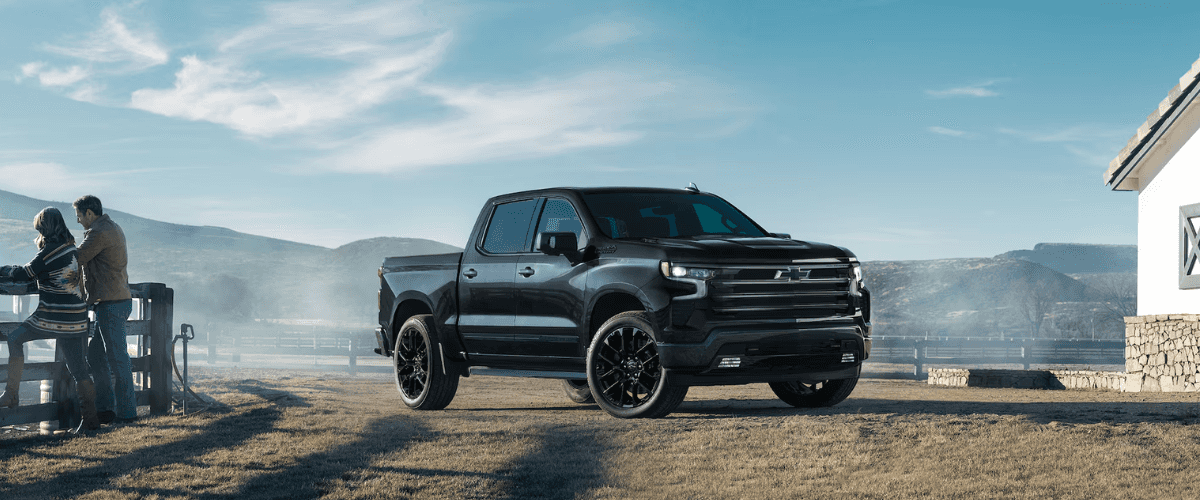
Learning how to drive a Silverado means respecting its size, leveraging its tech, and selecting the right mode for every task. Start by mastering the drive modes and 4WD settings, since incorrect use can damage the drivetrain or reduce control. Always engage Tow/Haul before towing, use Snow/Ice mode at the first sign of winter weather, and never run 4WD High on dry pavement.
Adjust your driving style for the truck’s weight and dimensions. Brake earlier, check mirrors frequently, and practice dimensional awareness in empty lots before tackling tight spaces. Finally, treat the safety systems as backup, not replacements for your attention.
Your next step is simple: spend 15 minutes in a parking lot practicing turns, braking, and mirror checks. That short session will build more confidence than hours of highway driving and set the foundation for safe, capable Silverado ownership.