
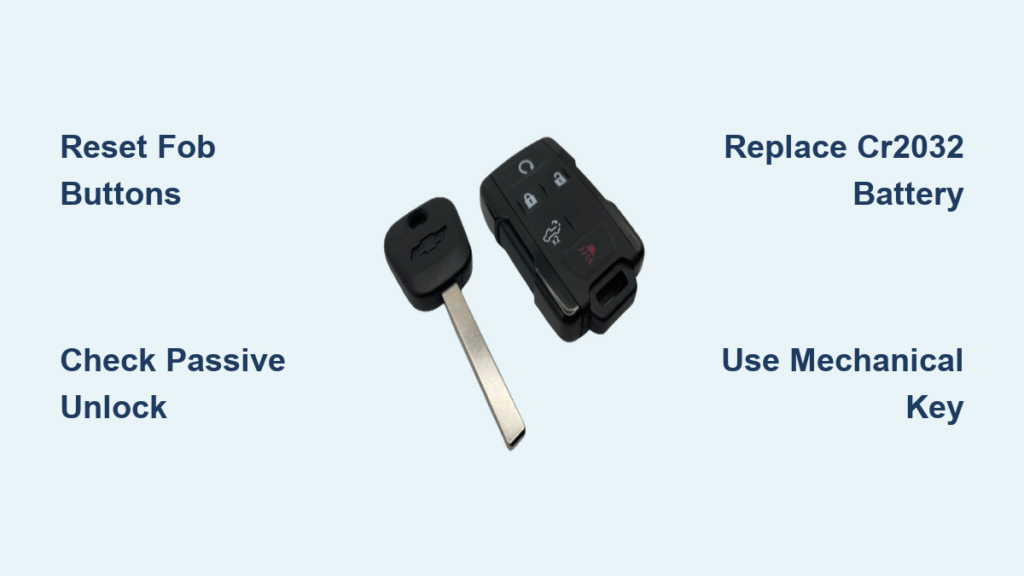
You walk up to your Chevrolet Silverado, grab the door handle, and pull. Nothing happens. You press the unlock button on the handle, and the doors refuse to budge. Yet when you tap the lock button, every door clicks shut perfectly. The key fob still works from across the parking lot. No warning lights appear on the dashboard. Just one baffling mystery: why won’t your Silverado keyless entry unlock the doors from the handle?
This exact scenario frustrates thousands of Silverado and GMC Sierra owners every year. The good news is that in most cases, it is not a broken latch, dead antenna, or wiring fault. The culprit is almost always a simple software setting that gets toggled off without warning. Whether triggered by sitting on your keys, a recent software update, or an unnoticed button press, the passive unlock feature can silently switch off. Because the lock function still works, it is easy to assume the system is partially failed when it is actually just misconfigured.
This guide walks you through step-by-step fixes, starting with the most common cause: the hidden Passive Door Unlock setting. You will learn how to reset it in seconds using your key fob, verify settings through the infotainment screen, replace weak batteries, bypass signal interference, and access your truck when all else fails using the mechanical key.
Reset the Passive Unlock Toggle First

The number one reason Silverado keyless entry fails to unlock doors from the handle while still allowing locking is a disabled Passive Door Unlock feature. This setting controls whether the exterior door handle buttons can detect your fob and unlock the vehicle on touch. When turned off, the lock function remains active, but unlocking requires pressing the fob button directly.
Hold Lock and Unlock to Reactivate the System
This quick reset toggles the Keyless Open system back on. It works even if the change happened accidentally, such as when sitting on the fob in your back pocket.
Steps:
1. Make sure the vehicle is off and not in accessory mode.
2. Press and hold both the Lock and Unlock buttons on the key fob at the same time.
3. Keep holding for 3 to 10 seconds.
4. Watch the turn signals for confirmation:
– 2 flashes means Passive Unlock is now ON
– 4 flashes means Passive Unlock is now OFF
5. Release the buttons once you see the flash sequence.
Pro Tip: If you see no response at 3 seconds, keep holding up to 8 to 10 seconds. Some Silverado models require a longer hold before the system responds.
Test the driver’s door handle right away. One press should now unlock the driver’s door. A second press within 5 seconds unlocks all remaining doors.
Verify Settings Through the Infotainment Screen
If the fob reset did not work, confirm the setting is enabled inside the vehicle menu.
Navigation Path:
1. Tap Settings on the center display.
2. Select Vehicle.
3. Go to Remote Lock, Unlock, Start (or Power Door Locks on some models).
4. Find Passive Door Unlock.
5. Set it to On.
Note: Some trucks link this setting to specific driver profiles. If you recently switched from Driver 1 to Driver 2, make sure Passive Unlock is enabled for the active profile.
Test and Replace the Key Fob Battery

A weak or dying battery is the second most common cause of Silverado keyless entry not working, especially when the range drops or the fob only responds up close.
Signs of a Low Battery
- You must stand within 1 to 2 feet to activate the locks
- The door handle responds with a noticeable delay
- No LED light flashes on the fob when buttons are pressed
Battery Type: Most Silverado fobs use a CR2032 coin cell battery. Always check the old battery to confirm the exact number before installing a replacement.
Replace the CR2032 Battery
- Locate the seam along the edge of the fob casing.
- Use a flat tool such as a coin or plastic pry tool to gently separate the two halves.
- Remove the old battery and note which side faces up.
- Insert the new battery with the correct polarity.
- Snap the case shut firmly.
After Replacement: Perform the Lock + Unlock hold reset again. Some fobs lose pairing or settings when the battery is removed for too long.
Use the Mechanical Key for Emergency Access
When the fob battery is completely dead or the electronic system fails, you can still get into your truck using the hidden mechanical key blade.
Access the Driver Door Manually
- Pull out the key blade:
– Press the release button on the side of the fob.
– Slide the metal key out from the top of the fob. - Expose the lock cylinder:
– On the driver’s door handle, find the small slot on the right side.
– Insert the key and push upward firmly to pop off the plastic cover. - Unlock the door:
– Insert the key into the exposed cylinder.
– Turn clockwise until it stops.
– Slowly turn counterclockwise while pulling the handle to open the door. - Reattach the cover: Once inside, the handle cover will snap back into place automatically.
Unlock the Liftgate (If Equipped)
Some Silverado models have a key cylinder on the rear liftgate:
– Insert the key fully into the cylinder.
– Turn until you feel a click.
– Remove and reinsert the key to complete the unlock.
Check your owner’s manual for the exact location based on your model year.
Start the Truck With a Dead Fob
You do not need a working fob to start the engine. The Silverado has a key pocket that can read a dead fob through proximity detection.
Starting Procedure
- Find the key pocket, usually located under the cup holders or near the center console. Refer to your manual if you cannot locate it.
- Place the dead fob inside the pocket.
- Press the brake pedal.
- Push the Start/Stop button.
First Attempt Warning: The Driver Information Center may display “No Key Detected.” This is normal. Do not remove the fob. Press the Start button again immediately. The system will recognize the fob on the second attempt.
Diagnose Signal Interference
Even with fresh batteries and correct settings, radio frequency interference can block fob signals. This is especially common in urban areas, parking garages, and locations near industrial equipment.
Common Interference Sources
- Cell towers and transmission antennas
- Wi-Fi routers and wireless access points
- Parking garages with metal structures
- Power substations and transformers
- Other electronic devices in your pocket, such as phones or tablets
Test for Interference
- Move your truck to an open area away from buildings and electronics.
- Try unlocking the doors from the handle.
- If it works in the new location, interference was the cause.
Workarounds:
– Hold the fob closer to the door handle, within 6 inches if possible.
– Use the mechanical key in high-interference zones.
– Store the fob away from phones and metal objects to prevent signal dampening.
Inspect the Fob for Damage and Moisture
If resets, battery replacement, and interference checks all fail, the fob itself may have a physical issue.
What to Check
- Cracked casing that compromises water resistance
- Sticky buttons caused by dirt or moisture buildup
- Fogging or discoloration inside the fob indicating water exposure
- Corrosion on the circuit board, visible as green or white residue
Water Damage Response
- Remove the battery immediately.
- Dry the fob thoroughly with a soft cloth.
- Let it air-dry for 24 to 48 hours in a warm, dry place.
- Reinsert the battery and test the fob.
Prevention Tips:
– Use a protective silicone case for the fob.
– Avoid leaving the fob in direct sunlight or hot vehicles.
– Keep the fob separated from metal keys to prevent accidental button presses.
Reprogram the Fob if It Loses Pairing
Sometimes after a battery replacement or electrical glitch, the fob loses its pairing with the vehicle and stops responding entirely.
When to Reprogram
- Fob buttons do nothing, even from close range
- Passive unlock does not respond despite correct settings
- “No Key Detected” appears frequently on the display
Reprogramming Options
Option 1: DIY Method (Model-Dependent)
Some Silverados allow user-initiated programming:
1. Insert the key into the ignition.
2. Turn to ON without starting the engine, then back to OFF.
3. Repeat this cycle 3 times within 10 seconds.
4. The horn may chirp to indicate programming mode is active.
5. Press any button on the fob to complete pairing.
Note: This method varies by model year. Always consult your owner’s manual first.
Option 2: Professional Reprogramming
For persistent pairing issues, visit a dealership or locksmith with GM-specific diagnostic tools. They can:
– Pair new or unpaired fobs
– Reset the Body Control Module (BCM)
– Diagnose antenna or receiver faults
Understand How Passive Unlock Works
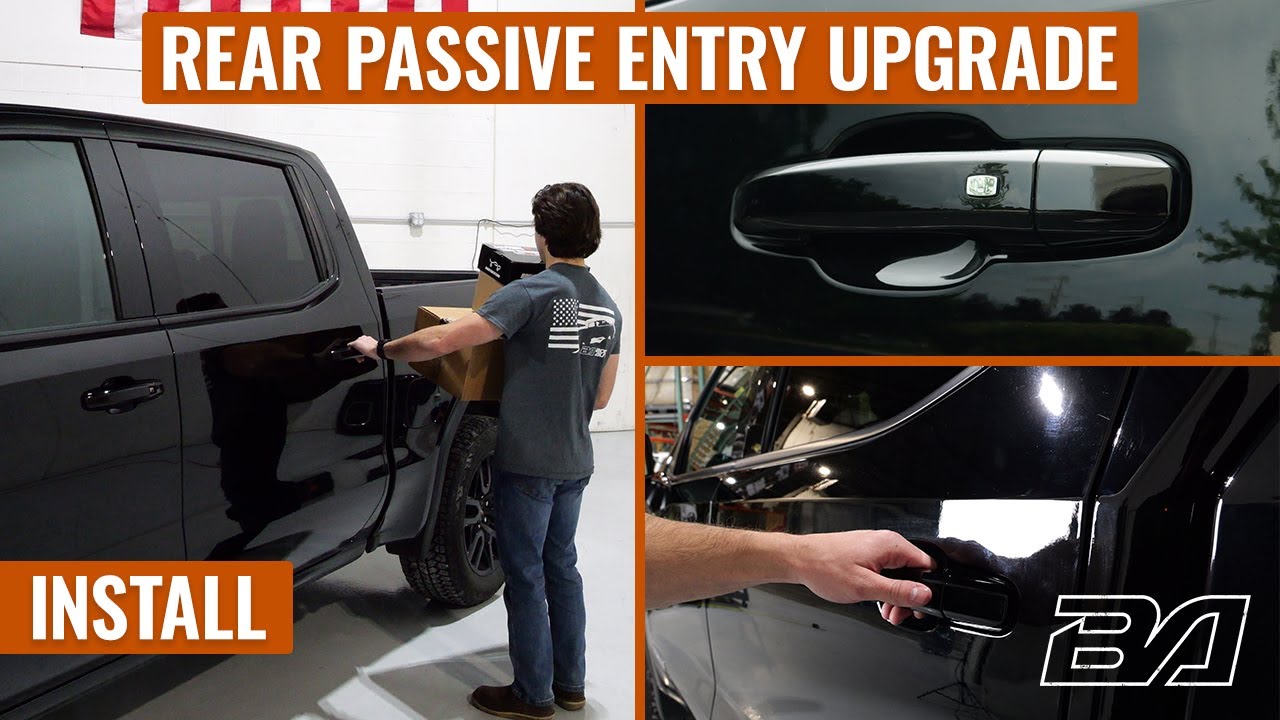
Knowing how the system is designed to function helps you prevent future issues.
Key Detection Specifications
- Detection Range: Approximately 3 feet from the door
- Driver Door Only: First handle press unlocks only the driver’s door
- All Doors: Second press within 5 seconds unlocks the remaining doors
- Extended Handles (if equipped): The handle extends outward when the fob is nearby, but the same unlock logic applies
Customize Welcome Lighting
Enhance visibility and confirm fob detection by adjusting welcome lighting:
1. Go to Settings > Vehicle > Lighting
2. Adjust the following options:
– Welcome Lighting Intensity
– Animation Style (fade-in versus instant)
– Duration (how long the lights stay on)
These settings personalize your entry experience and provide visual confirmation that the fob has been detected.
Address OTA Update Glitches

Over-The-Air software updates can sometimes reset user preferences, including the Passive Unlock setting.
Real-World Case Study
A 2021 GMC Sierra owner reported losing passive unlock after four OTA updates installed simultaneously. Investigation revealed the setting had reverted to Off, even though it had been enabled for months.
Post-Update Checklist
After any software update, complete the following steps:
1. Test the door handle unlock function.
2. Check Passive Door Unlock in the vehicle Settings menu.
3. If disabled, toggle it back to On manually.
4. Perform the Lock + Unlock hold reset to re-enable system detection.
Tip: Updates may also reset other preferences such as seat position, radio presets, or auto stop-start behavior. Review your settings after any major update.
Prevent Future Keyless Entry Failures
Build simple habits into your routine to avoid repeat problems.
Avoid the Pocket Press Trap
Never carry the fob in your back pocket while sitting. Pressure can press the Lock and Unlock buttons simultaneously, toggling passive unlock off without your knowledge.
Solutions:
– Use a front pocket instead
– Store the fob in a purse or bag
– Use a rigid fob case to prevent accidental button presses
Regular Maintenance Habits
- Replace the battery every 2 to 3 years, even if no symptoms appear
- Clean the buttons occasionally with isopropyl alcohol
- Verify settings after every software update
Keep a Spare Fob Handy
Program a second fob and store it at home. If your primary fob fails, you will not be locked out.
Frequently Asked Questions About Silverado Keyless Entry
Why does my Silverado lock but not unlock from the door handle?
This almost always means the Passive Door Unlock feature has been toggled off. Press and hold the Lock and Unlock buttons on your fob for 3 to 10 seconds until the turn signals flash twice. Two flashes confirm the feature is back on.
What battery does a Silverado key fob use?
Most Chevrolet Silverado and GMC Sierra key fobs use a CR2032 coin cell battery. Always verify by checking the number printed on your old battery before installing a replacement.
Can I start my Silverado with a dead key fob?
Yes. Place the dead fob into the key pocket, usually located under the cup holders or near the center console. Press the brake pedal and push the Start/Stop button. You may see “No Key Detected” on the first attempt. Press Start again without removing the fob.
How do I unlock my Silverado if the fob battery is dead?
Pull the mechanical key out of the fob. Insert it into the slot on the right side of the driver’s door handle and push upward to remove the plastic cover. Turn the key clockwise, then counterclockwise while pulling the handle to open the door.
Can software updates disable keyless entry?
Yes. Over-The-Air updates can reset user preferences, including Passive Door Unlock. After any update, verify the setting is enabled in Settings > Vehicle > Remote Lock, Unlock, Start.
How do I know if my key fob is unpaired?
Signs include no response from any fob button, frequent “No Key Detected” messages, and passive unlock failing despite correct settings. A dealership or locksmith with GM diagnostic tools can reprogram the fob.
Key Takeaways for Fixing Silverado Keyless Entry Problems
Most Silverado keyless entry failures come down to one simple cause: the Passive Door Unlock setting gets toggled off, usually by sitting on your keys or after a software update. The fix takes seconds. Hold the Lock and Unlock buttons on your fob until the turn signals flash twice, and your door handles should respond again.
If that does not work, check the infotainment menu, replace the CR2032 battery, and rule out signal interference or physical damage. Keep the mechanical key accessible for emergencies, and always verify your settings after any OTA update.
If you have tried every step in this guide and the handles still refuse to unlock, visit a GM dealership for a diagnostic scan. They can check for deeper issues like a failed door handle sensor, damaged antenna module, or Body Control Module glitch. Start with the fob reset today. Two flashes means you are back in business.



