
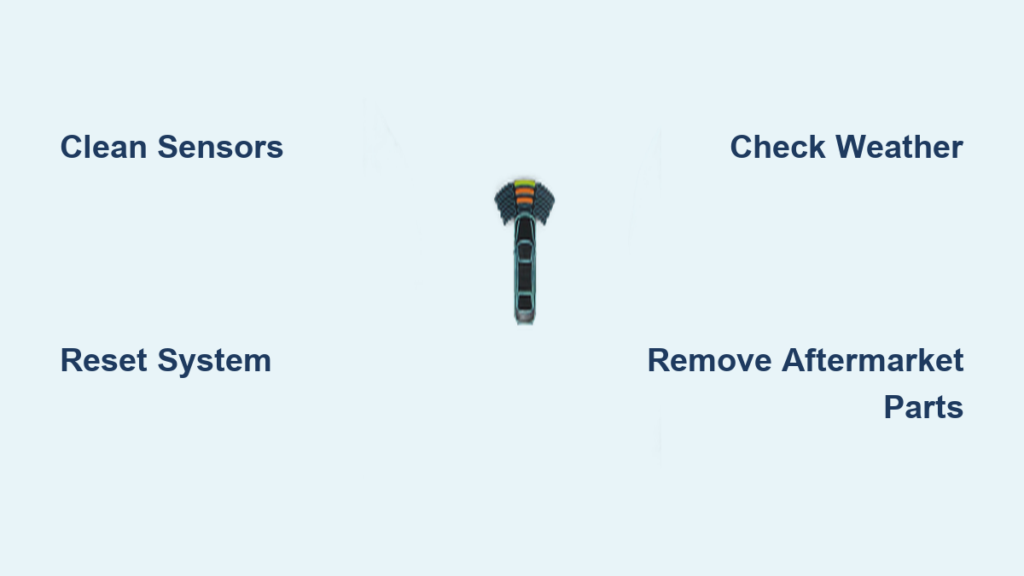
Your Silverado’s Park Assist shuts off the moment you press the button, and the dashboard flashes “Park Assist Off” like it’s mocking you. You press it again, and the LED lights up for three seconds before going dark. This frustrating issue affects Silverado models from 2008 to 2024, and most drivers assume it means an expensive repair. The truth is, the system is overly sensitive, and small triggers like road grime, cold weather, or even a trailer hitch can knock it offline. Below, you’ll learn how to diagnose and fix a Silverado Park Assist not working using proven steps from real-world repairs and dealer-level fixes.
Clean All Sensors and Cameras Thoroughly
Wipe Every Ultrasonic Sensor With Glass Cleaner
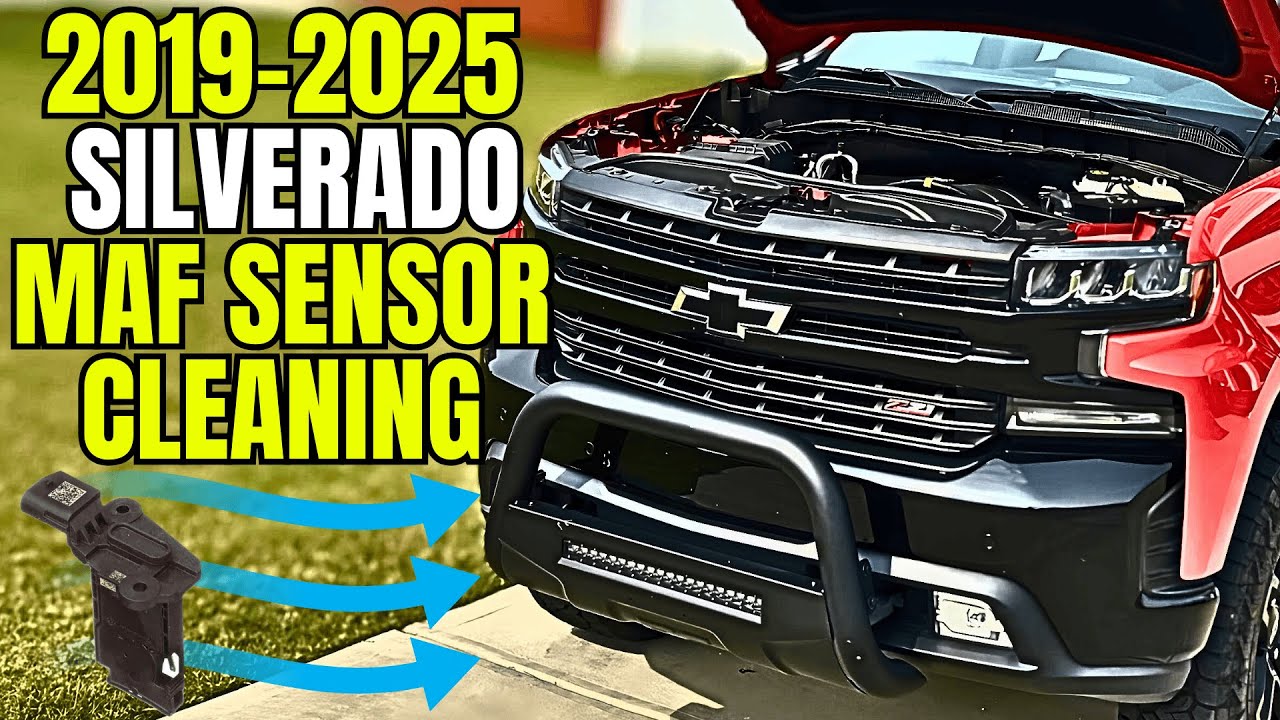
Ultrasonic sensors in your front and rear bumpers detect obstacles, but even a thin film of invisible grime can block their signals. Use window washer fluid or Windex with a lint-free cloth to wipe every sensor, including the edges where dirt collects. Don’t skip this step just because the sensors look clean. Road residue after wet or muddy drives is a top trigger for spontaneous shutdowns.
Include Every Exterior Camera in Your Cleaning Routine
Park Assist relies on camera input for surround-view feedback. Dirty cameras can cause the system to disable itself or fail to display proximity visuals. Clean the rear camera, side mirror cameras, and front grille camera with the same glass cleaner. Avoid abrasive cloths that scratch lenses. After cleaning, press the Park Assist button to test. If it activates, contamination was the likely culprit.
Avoid High-Pressure Water and Abrasive Materials
Never blast sensors with high-pressure water. It forces moisture into housings and triggers shutdowns in cold weather. Avoid scraping sensors with ice scrapers or rough brushes. Instead, gently wipe and dry every surface, then wait 10 minutes before testing to ensure moisture has fully evaporated.
Perform a System Reset
Disconnect the Battery for a Hard Reset
A deep electronic reset clears temporary faults in the Park Assist module. Disconnect the negative battery terminal and wait 10 to 30 minutes. This drains residual power and resets all control modules. Reconnect the battery, start the truck, and try activating Park Assist. Many drivers report full restoration after this step, especially if the system entered a fault loop.
Pull the Park Sensor Fuse for a Targeted Reset
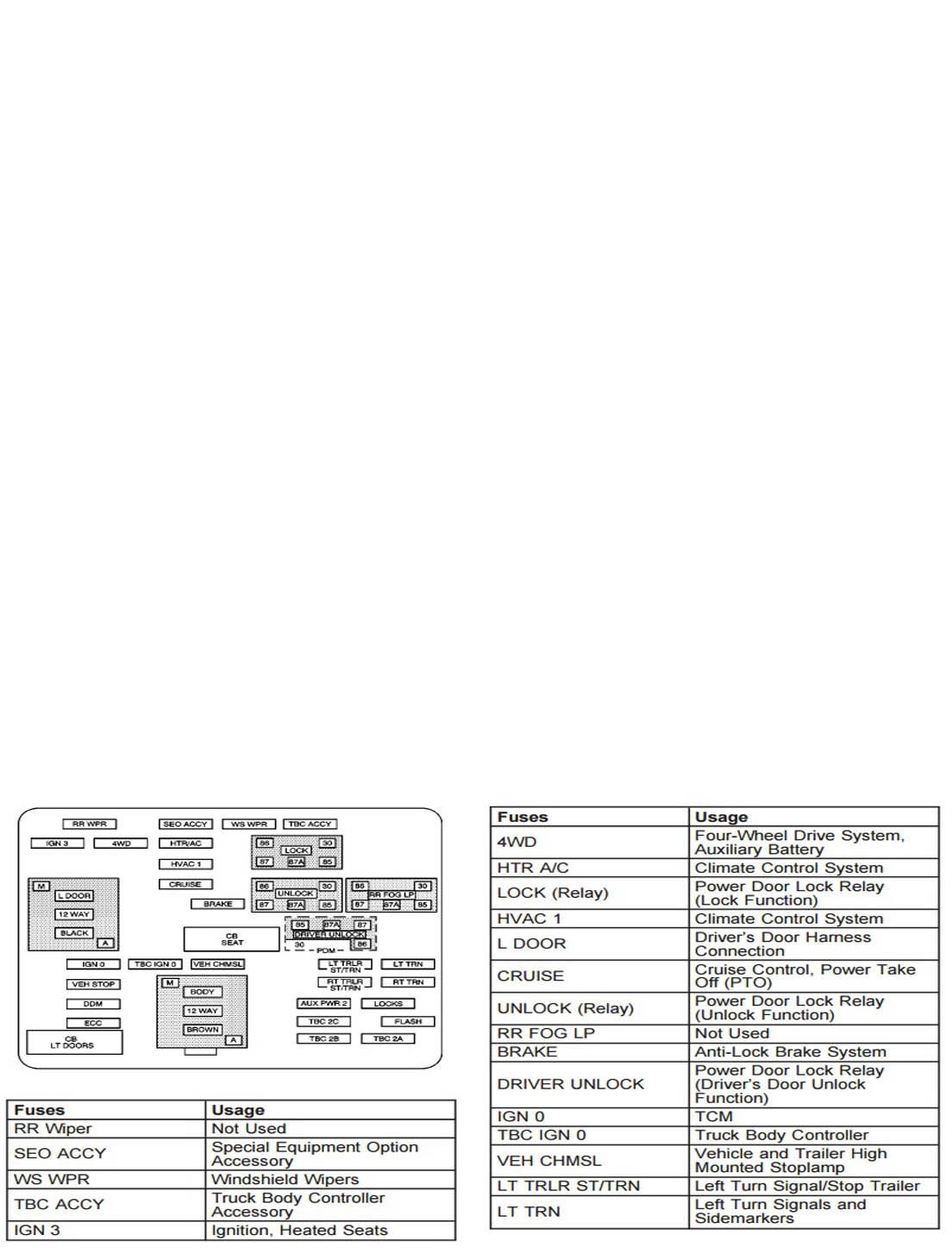
The park sensor fuse sits at the driver-side end of the dashboard fuse box. Turn off the vehicle, locate the fuse using your owner’s manual, and remove it. Wait 5 minutes, then reinsert. This resets the Park Assist module without touching the rest of the vehicle’s electronics. Combine it with a battery disconnect for stubborn cases.
Toggle Park Assist Settings in the Driver Menu
Navigate to your Driver Information Center, then go to Settings > Vehicle > Park Assist. If the option is grayed out or reverts to “Off” immediately, a fault is still active. Manually turn it off, wait 30 seconds, then turn it back on. If the switch LED lights for three seconds and shuts off, the system detects an unresolved issue, likely dirty sensors or a software glitch.
Check for Environmental Triggers
Cold Weather and Ice Exposure
Washing your Silverado in freezing temperatures is one of the top causes of Park Assist failure. Moisture on sensors can freeze internally, tricking the system into thinking a permanent obstacle exists. Even without visible ice, cold metal alters sensor resonance. If the issue started after a winter car wash, park the truck in a warm garage and let it thaw. Most systems self-correct within hours or days as temperatures rise.
Snow and Road Debris Buildup
Snow packed in wheel wells or on bumpers blocks sensor fields. After driving in snow, clear all accumulation from bumpers and around tires. If Lane Assist is also disabled, check windshield base sensors, since both systems share environmental sensitivity. Use a soft brush or gloved hand, and avoid scraping sensors directly.
Wait for Automatic Recovery
Some cases resolve on their own. Drivers report the system returning after 30 minutes or two days of non-use. This “timeout” behavior suggests the module enters a protective state and resets when conditions improve. If cleaning and resetting fail, park the truck overnight and retry in the morning before pursuing deeper repairs.
Inspect for Aftermarket Interference
Remove Trailer Hitches and Covers
A trailer hitch ball or cover can reflect sensor signals, making the system think an obstacle is always present. Remove the hitch ball or cover and test Park Assist. If it works, consider using a retractable ball or disabling Park Assist when towing. Electrical trailer plugs near the bumper may also emit interference, so unplug them during testing.
Evaluate Fender Flares and Bumper Modifications
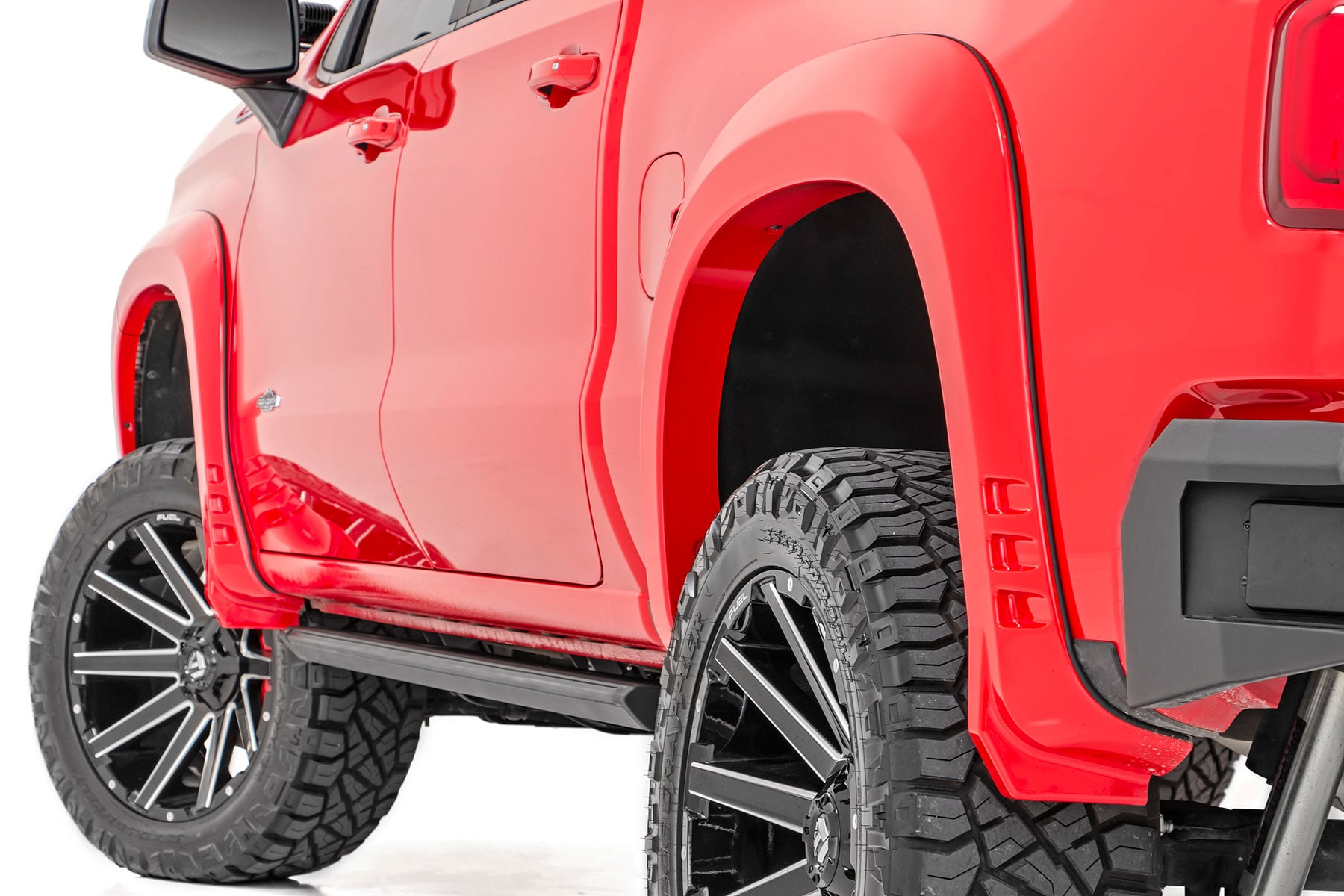
Aftermarket fender flares, such as Rough Country brands, can intrude into the sensor’s acoustic field, especially on front corners. Installations that alter bumper alignment or sensor angles may cause permanent false readings. Temporarily remove flares if possible, or check with the manufacturer for Park Assist compatibility. Some drivers disable the system permanently due to modification conflicts.
Avoid Unshielded Electrical Add-Ons
Aftermarket lighting, winches, or trailer wiring with poor grounding introduce electrical noise that interferes with sensor module communication. Ensure all add-ons are properly shielded and grounded. If Park Assist fails after installing new equipment, disconnect it temporarily to test whether the add-on is the cause.
Update Software and Run Diagnostics
Request Radio and Module Updates From Your Dealer
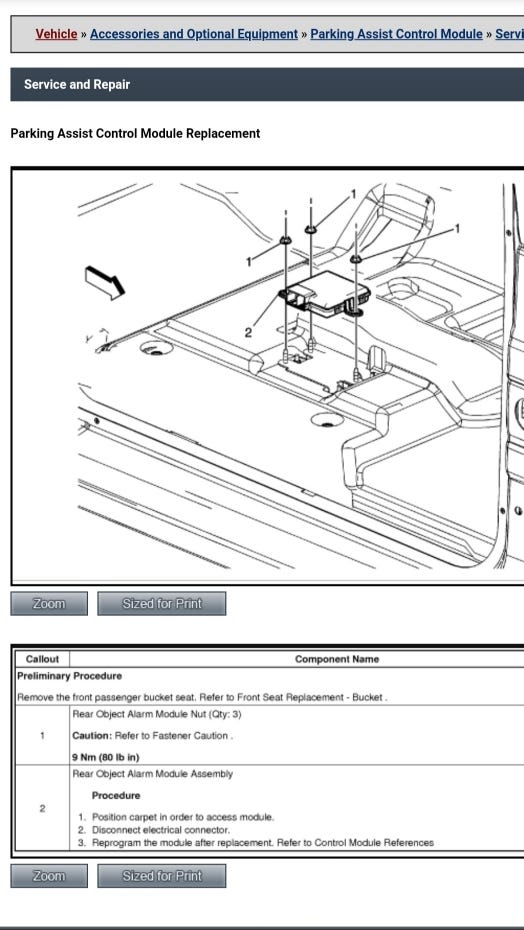
GM has issued software updates to fix Park Assist glitches, especially on 2019 and newer models. Visit your dealership and request updates for the infotainment radio and Park Assist control module. Even if no recall exists, technicians can flash the latest firmware. Many drivers confirm this as the only permanent fix after repeated cleaning and resets.
Scan for Trouble Codes With Professional Tools
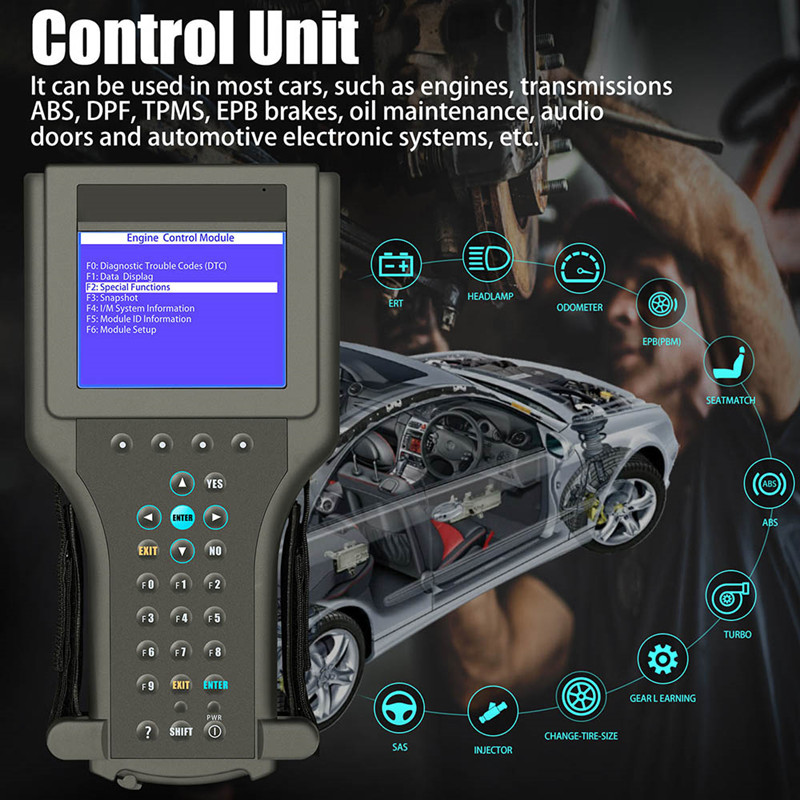
The “Park Assist Off” message is generic. A professional OBD2 or GM-specific scan tool reveals the real cause, such as a failed sensor, wiring short, or communication error. Ask your dealer or mechanic to pull codes from the Park Assist module. Common codes point to specific sensors (for example, “Front Left Sensor Not Responding”) or signal interference.
Verify Technical Service Bulletins for Your VIN
GM releases Technical Service Bulletins for recurring issues. Search by your VIN or model year for Park Assist-related bulletins. Some bulletins recommend recalibration, fuse replacements, or software patches. Dealers may perform these fixes at no cost if covered under warranty or a service campaign.
Understand System Behavior Anomalies
Camera View No Longer Auto-Activates
Normally, pressing Park Assist should display camera views automatically. If cameras only come on in Reverse, the system is malfunctioning. This decoupling indicates a software or module fault, not just dirty sensors. Try a software update or module reset to restore integration.
False Alerts in All Directions
Constant beeping with no obstacles often follows car washes or cold exposure. The system thinks every surface is a threat due to signal reflection changes. Clean sensors, reset the module, and wait for dry conditions. If alerts persist, a sensor may be damaged or misaligned.
The 30-Minute Alert Burst After a Wash
Some trucks trigger nonstop alerts for exactly 30 minutes post-wash, then stop. This suggests a built-in sensor drying or recalibration timer. Avoid using Park Assist during this window. If alerts continue beyond 30 minutes, deeper intervention is needed.
Prevent Future Park Assist Failures
Clean Sensors After Every Car Wash
Make sensor cleaning part of your wash routine, especially in cold weather. Use a microfiber cloth and washer fluid immediately after washing. Dry bumpers thoroughly. This simple habit prevents most spontaneous shutdowns.
Disable Park Assist When Towing or Modified
If you frequently tow or have aftermarket parts, disable Park Assist manually to avoid false alerts. Reactivate it when not needed. This reduces system stress and prevents automatic shutoffs.
Monitor for Recurring Issues
If Park Assist fails repeatedly despite cleaning and resets, suspect a failing sensor or wiring problem. Track when and where failures occur, such as cold mornings or after off-roading. This data helps mechanics diagnose intermittent faults.
Frequently Asked Questions About Silverado Park Assist Not Working
Why does my Silverado say “Park Assist Off” even after I press the button?
The system detects a fault condition, often triggered by dirty sensors, cold weather moisture, or aftermarket interference. When the LED lights for three seconds and shuts off, the module is signaling an unresolved issue. Start by cleaning all sensors and cameras, then try a battery reset.
Can a car wash really disable Park Assist?
Yes. Washing your Silverado in cold or freezing temperatures is one of the most common triggers for the “Park Assist Off” message. Moisture can freeze inside sensor housings or leave a thin film that disrupts ultrasonic signals. The system often self-corrects once the truck dries and warms up.
How do I reset Park Assist on my Silverado?
You have three options. First, toggle the setting in the Driver Information Center menu. Second, disconnect the negative battery terminal for 10 to 30 minutes. Third, pull the Park Sensor fuse from the driver-side dashboard fuse box for 5 minutes, then reinstall. A battery disconnect is the most thorough reset.
Will aftermarket fender flares cause Park Assist problems?
Yes. Fender flares that alter bumper alignment or encroach on sensor fields can trigger constant false alerts or system shutdowns. If you installed flares and Park Assist stopped working, remove them temporarily and test. Some drivers disable the system permanently to avoid the conflict.
When should I visit a dealer for Park Assist issues?
Visit a dealer if cleaning and resets do not restore function. Request a software update for the radio and Park Assist module, and ask for a full diagnostic scan to identify trouble codes. Also ask about Technical Service Bulletins for your specific model year, since some fixes may be covered under warranty.
Key Takeaways for Fixing Silverado Park Assist Problems
A Silverado Park Assist not working is usually fixable without costly repairs. Start by cleaning every sensor and camera with glass cleaner, since invisible grime is the most common trigger. If that fails, perform a hard reset by disconnecting the battery or pulling the Park Sensor fuse. Environmental factors like cold weather and car washes cause most temporary failures, so let the truck warm up and dry before deeper troubleshooting. For persistent issues, visit your dealer for software updates and diagnostic scans. Keep sensors clean, avoid known interference sources, and stay updated on GM service bulletins to maintain reliable performance.



