
Your Silverado Bluetooth is not working and you’re stuck with a grayed-out “Add Phone” button, music that cuts out mid-song, or silence despite a “connected” status. These frustrating problems affect Chevy Silverado owners across model years from 2015 through 2021+, and they strike both Android and iOS devices equally. The fault almost always lives inside the truck’s MyLink infotainment system, not your phone.
This guide walks you through every proven fix, from a 10-second soft reset to a full battery disconnect and dealership-level diagnostics. You’ll learn how to identify whether your issue is software, firmware, or hardware, and exactly what to do next.
Common Bluetooth Failure Symptoms

Grayed-Out Add Phone Button
The most reported Silverado Bluetooth problem is a completely unresponsive “Connect Phone” or “Add Phone” option on the touchscreen. The button appears grayed out, blocking the entire pairing process. Your phone won’t detect the truck, and the truck won’t enter discoverable mode.
This failure often appears suddenly. Your Bluetooth may work fine in the morning and refuse to connect by afternoon. Because the issue affects multiple phones at once (both Android and iOS), the fault is confirmed to be in the vehicle. Android Auto often fails alongside it, getting stuck on a “Connect to My GMC” loading screen.
Intermittent Connection Drops
Your phone shows as paired, the radio displays “Connected,” yet the link dies within seconds. Sometimes the system claims a connection even when no call audio or music comes through. This handshake failure between the phone and infotainment unit suggests a software timing bug.
A rare but effective workaround: press the Bluetooth button on the radio while simultaneously opening your music app on the phone. This can force proper audio stream initialization.
Connected But No Sound
Your phone pairs successfully, the screen shows Bluetooth as the source, and your music is playing, yet silence comes from the speakers. Metadata may read “No Artist Found” or show incorrect track info. If USB audio works perfectly in this same scenario, your speakers and amplifier are fine. The problem is isolated to Bluetooth audio routing, typically caused by corrupted firmware in the Audio Control Module.
Quick Fixes to Try First

Reboot Your Phone Completely
Don’t just toggle Bluetooth off and on. Perform a full power cycle on your smartphone to clear temporary glitches that interfere with pairing.
After restarting:
– Ensure Bluetooth is enabled and your phone is discoverable
– Disable connections to other devices like smartwatches or home speakers
– Close music and calling apps before reconnecting
Soft Reset the Infotainment System
This is the fastest way to clear minor software hiccups in MyLink. A soft reset reboots the head unit without affecting your saved settings.
Follow these steps:
1. Press and hold the Home button and the Fast Forward button simultaneously
2. Hold for 10 seconds until the screen goes black and reboots
3. Wait for the system to fully reload before testing Bluetooth
This clears cache errors and often restores Bluetooth functionality. If the “Add Phone” button was grayed out, it may become active again.
Forget and Re-Pair the Device
Corrupted pairing data causes many connection failures. Clean both ends of the connection:
- On your phone: Go to Settings > Bluetooth, find your Silverado, and select Forget This Device
- In the truck: Go to Phone > Device Manager > Delete Device
- Restart the pairing process from scratch
Advanced Troubleshooting Steps
Perform a Hard Reset (Battery Disconnect)
When soft resets fail, a full electrical reset drains residual power from the truck’s computers and forces a cold boot. This step requires basic tools and caution.
Steps:
1. Turn off the vehicle and remove the key
2. Open the hood and locate the battery
3. Disconnect the negative terminal first to avoid accidental shorts
4. Leave it disconnected for 10 to 30 minutes (30 is recommended for full capacitor drain)
5. Reconnect the terminal and tighten securely
6. Start the truck and allow the system to reboot
You will lose radio presets, seat positions, and other saved settings, which confirms a full reset occurred. If the “Add Phone” button remains grayed out afterward, the issue is likely hardware-related.
Use Voice Command to Pair
If the touchscreen is frozen or unresponsive, bypass it entirely using voice commands:
- Press the “Push to Talk” button on your steering wheel
- Say: “Pair Phone”
- Follow the voice prompts to complete pairing
This method uses a separate system pathway and can work when the touchscreen interface fails.
When Software Isn’t the Problem
Radio Hardware Short Failure
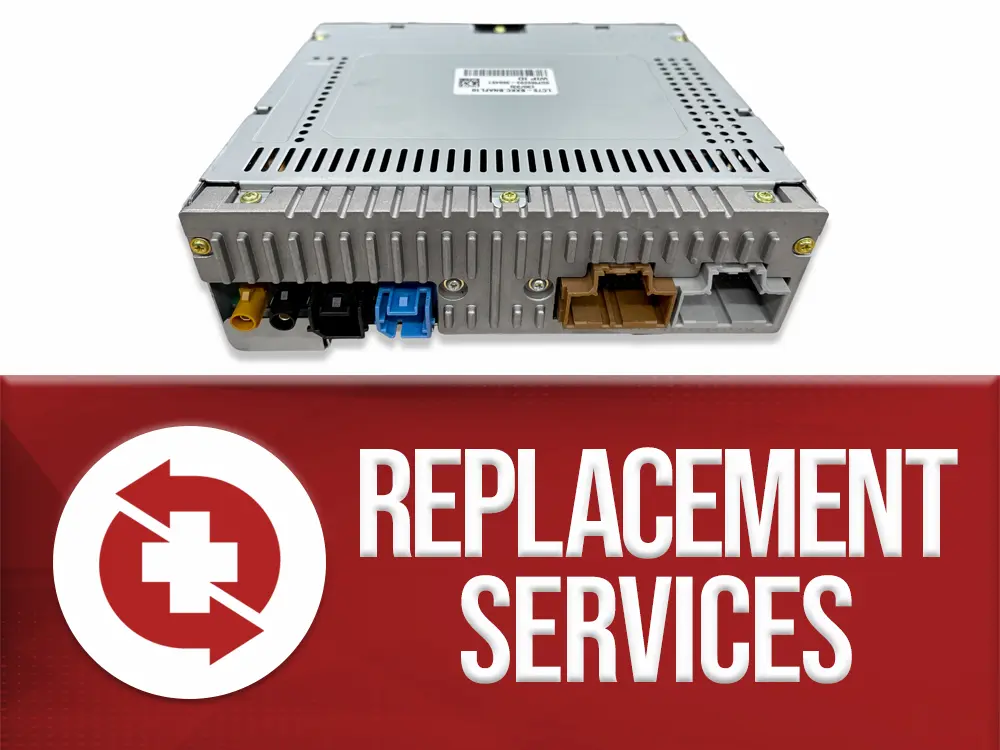
If resets don’t fix a grayed-out “Add Phone” button, the issue may be a physical short in the radio unit. Dealership diagnostics have confirmed this in multiple 2021 Silverado 1500 AT4 cases. Technicians using GM’s diagnostic tools found internal circuit shorts preventing Bluetooth initialization.
Key details:
– Diagnosis cost averages around $144 (often applied to repair)
– Fix requires replacing or repairing the radio head unit
– Extended warranty may cover this repair if active
Audio Control Module Firmware Corruption
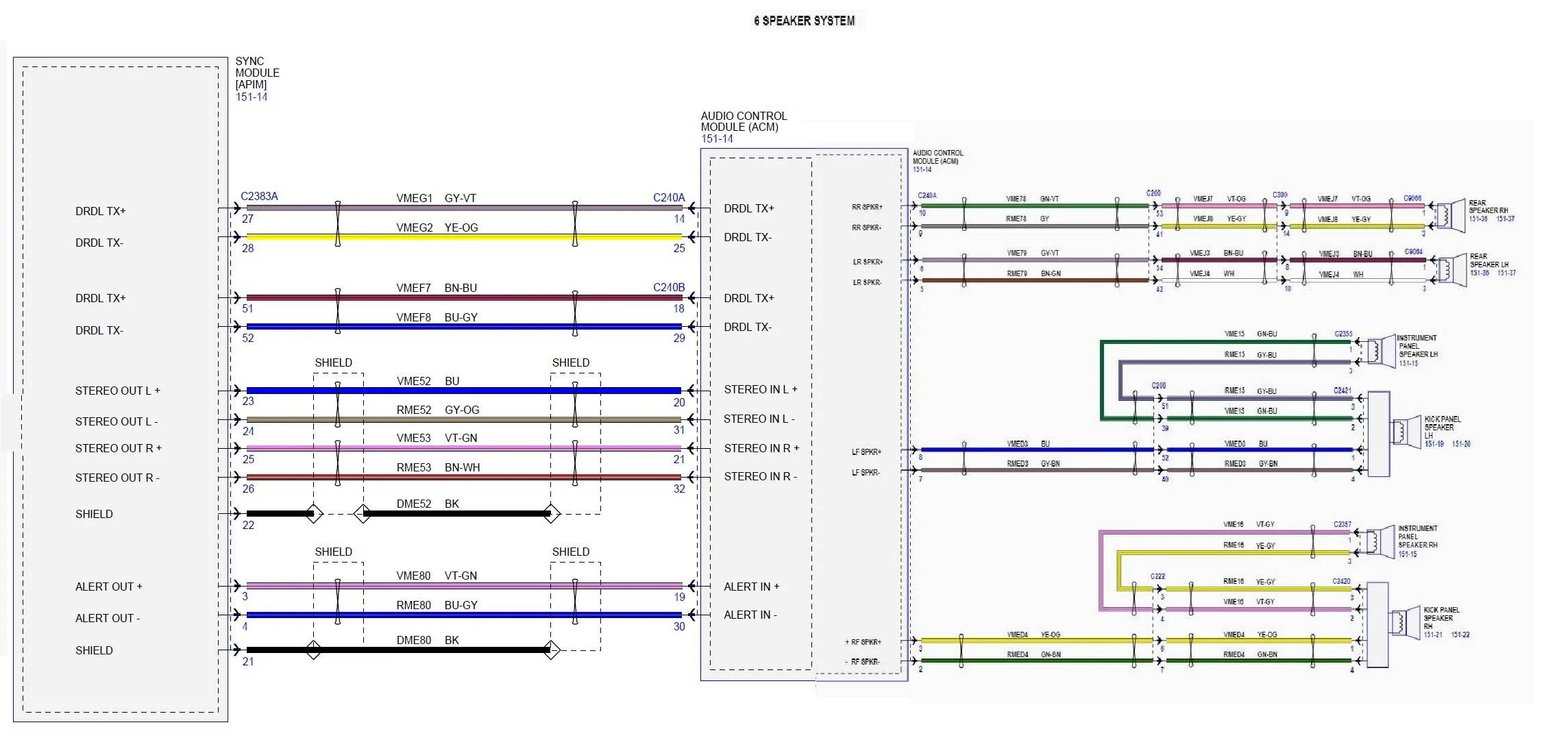
When your phone connects but no sound plays while USB audio works, the problem is likely in the Audio Control Module (ACM). The Bluetooth signal is recognized, but the firmware fails to route the audio stream properly.
Symptoms include:
– “No artist found” displayed
– Silent playback despite correct connection status
– Functional USB audio in the same session
The ACM must be reprogrammed or reflashed using GM’s SPS (Service Programming System) tool. This is not user-serviceable. Only a dealership or certified technician can perform this repair. Software updates from GM often patch these bugs, so staying current on firmware is critical.
Prevent Future Bluetooth Issues
Keep Software Updated
GM releases periodic infotainment updates that fix known Bluetooth bugs. Visit your dealership to check for available updates, especially if you’ve had recurring issues. These updates can prevent:
– Pairing timeouts
– Audio dropouts
– Android Auto and CarPlay handshake failures
Manage Paired Devices
Too many saved devices can overload the system. Periodically:
– Delete unused phones from Device Manager
– Re-pair your primary phone to refresh the connection
– Avoid pairing more than 2 to 3 devices at once
Check Vehicle Battery Health
A weak or failing 12V battery causes voltage fluctuations that disrupt sensitive electronics like the Bluetooth module. If your truck has trouble starting or electronics reset randomly, have the battery tested. A stable power supply is essential for reliable connectivity.
Real-World Impact and Costs
“Computer on Wheels” Complexity
Modern Silverados function as rolling computers. When Bluetooth fails, a simple wire fix won’t solve it. Owners report frustration with hidden battery terminals, complex dash panels, and the need for dealership tools to resolve issues. A basic battery disconnect can take 20 minutes due to protective covers and wire routing.
Out-of-Warranty Repair Costs
If your truck is past warranty, repairs can be expensive:
– Diagnosis fee: $100 to $150
– Radio replacement: $400 to $800+ (parts and labor)
– ACM reprogramming: $150 to $300
Always ask if the diagnostic fee applies to repairs. Extended warranty holders should file a claim immediately.
Daily Usability Loss
No Bluetooth means:
– No hands-free calling (safety and legal risk)
– No text-to-speech messages
– No audio streaming
– Android Auto and CarPlay often fail to launch
This renders the infotainment screen nearly useless for communication and navigation, forcing drivers to use handheld phones and defeating the purpose of built-in technology.
Frequently Asked Questions About Silverado Bluetooth Problems
Why is the Add Phone button grayed out on my Silverado?
A grayed-out “Add Phone” button indicates the Bluetooth module has failed to initialize. This is commonly caused by a software glitch, corrupted firmware, or a hardware short in the radio unit. Start with a soft reset, then try a battery disconnect. If the button remains grayed out, the radio likely needs professional diagnosis or replacement.
How do I soft reset my Silverado MyLink system?
Press and hold the Home button and the Fast Forward button on your infotainment screen simultaneously for 10 seconds. The screen will go black and reboot. This clears temporary cache errors and often restores Bluetooth pairing functionality without affecting your saved settings.
Will disconnecting the battery reset my Silverado’s Bluetooth?
Yes, disconnecting the negative battery terminal for 10 to 30 minutes performs a hard reset that drains residual power from the infotainment system. This can resolve stubborn Bluetooth pairing issues. Note that you will lose radio presets, seat positions, and other saved memory settings.
Why does my Silverado show connected but no sound plays?
This symptom points to firmware corruption in the Audio Control Module. The Bluetooth handshake completes, but the audio stream isn’t routed correctly. If USB audio works normally in the same session, the speakers and amplifier are functional. The ACM requires reflashing by a dealership using GM’s SPS programming tool.
How much does it cost to fix Silverado Bluetooth at a dealership?
Diagnostic fees typically run $100 to $150. Radio replacement ranges from $400 to $800 or more. ACM reprogramming costs $150 to $300. Extended warranty holders may pay nothing if the failure is covered. Always confirm whether the diagnostic fee applies toward the final repair cost.
Can I pair my phone using voice commands if the touchscreen fails?
Yes. Press the “Push to Talk” button on your steering wheel and say “Pair Phone.” The system will guide you through pairing using voice prompts. This bypasses the touchscreen entirely and uses a separate control pathway that often works when the display is unresponsive.
Final Fix Checklist for Silverado Bluetooth Not Working

Follow this sequence to resolve Silverado Bluetooth not working issues:
- Reboot your phone with a full power cycle
- Soft reset MyLink by holding Home + Fast Forward for 10 seconds
- Forget and re-pair by clearing both phone and truck memory
- Try voice pairing using “Push to Talk” and saying “Pair Phone”
- Hard reset by disconnecting the negative battery terminal for 30 minutes
- Test USB audio to confirm whether the issue is Bluetooth-specific
- Visit a dealership for grayed-out buttons or no sound after all resets
If steps 1 through 6 fail, the issue is likely hardware or deep firmware corruption requiring professional service. Act quickly if your truck is under extended warranty to avoid out-of-pocket costs. Start with the simplest fixes first, and escalate only when needed.



