
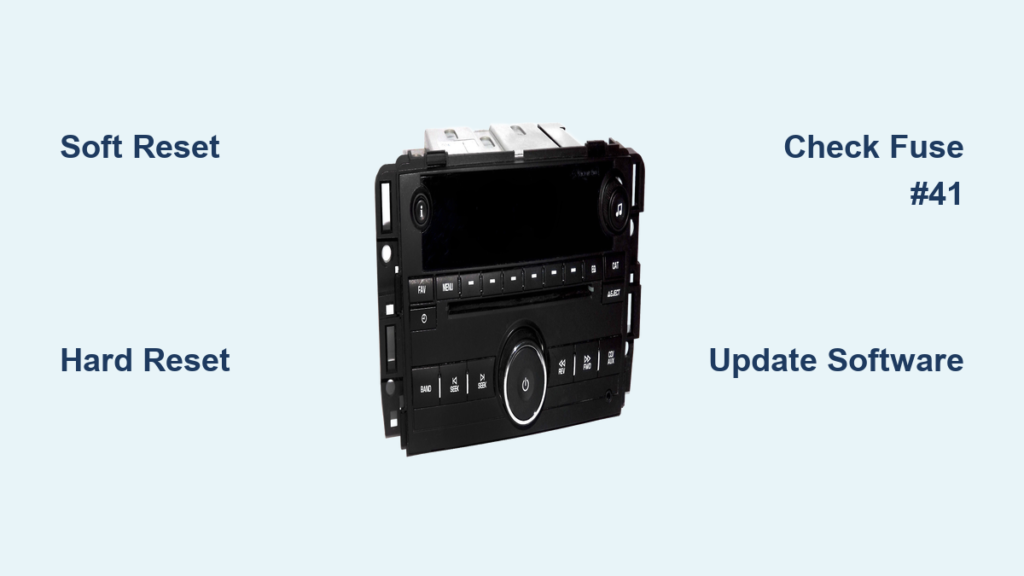
A black or frozen Chevy Silverado radio screen can stop your drive in its tracks. One minute everything works fine, and the next your infotainment system is stuck on a flashing Chevrolet logo or won’t respond at all. The good news is that learning how to reset Chevy Silverado radio systems is straightforward, and most fixes take less than an hour. This guide covers two proven reset methods, fuse checks, and what to do when those steps don’t work.
Soft Reset: Quick Fix Using the Steering Wheel

The fastest way to reset your Silverado’s radio is through a soft reset using the steering wheel. This clears temporary software glitches without erasing your saved settings, paired phones, or radio presets.
Press and Hold the End Call Button
- Start the engine and let it run.
- Locate the hands-free phone button (usually labeled “End Call”) on your steering wheel.
- Press and hold it continuously for 10 to 15 seconds.
- Wait for the screen to go black and reboot.
You should see the Chevrolet logo reappear as the system boots back up. This entire process takes about 30 seconds and resolves most minor freezes, GPS recognition errors, and Bluetooth disconnects.
Pro Tip: Always try this method first. It’s safe, fast, and fixes the majority of infotainment glitches without any risk to your data.
When a Soft Reset Works Best
A soft reset is ideal when your radio is still partially responsive or stuck in a logic loop. Common scenarios include a black screen with working climate controls, random Bluetooth dropouts, or Google Maps failing to recognize your current location. If your system is completely unresponsive to button inputs, skip ahead to the hard reset method.
Hard Reset: Full Power Cycle via Battery Disconnection

When a soft reset fails, a hard reset forces all electronic modules to fully power down and reboot. This clears deeper memory caches and resets communication across the vehicle’s network.
Disconnect the Negative Battery Terminal
- Open the hood and locate the vehicle battery.
- Using a wrench, disconnect the negative terminal (black cable).
- Wait 60 minutes (1 full hour) with the battery disconnected.
- Reconnect the negative terminal securely.
- Start the engine and allow the infotainment system to boot.
The screen should display the Chevrolet logo and load normally within a minute after restart.
⚠️ Warning: A hard reset may erase paired Bluetooth devices, radio presets, and navigation favorites. Be prepared to re-pair your phone and re-enter common destinations after the reboot.
Why a Full Hour Matters
Vehicle control modules retain power through backup circuits and capacitors long after the battery is disconnected. Waiting 60 minutes ensures all capacitors fully discharge and all stored fault codes clear from memory. Shortcuts like 5 to 10 minutes often fail because residual power keeps corrupted data active in the system.
Check Fuse #41: Rule Out a Power Failure
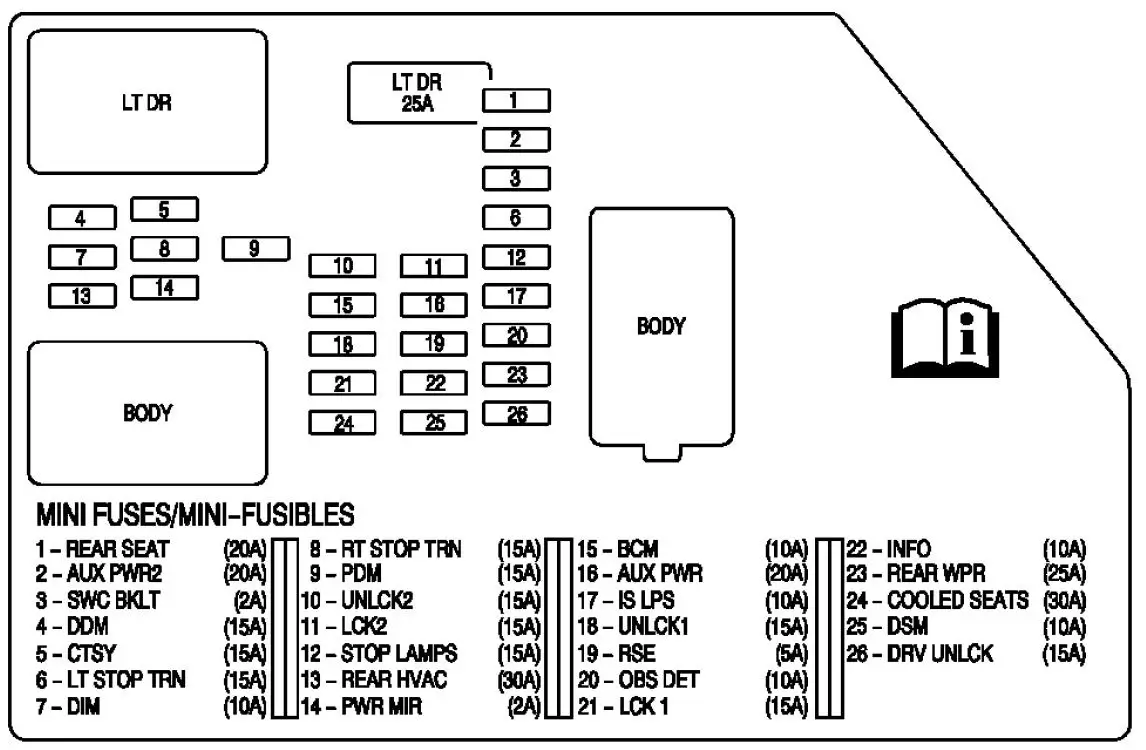
If your radio still won’t turn on after a hard reset, the next step is checking the infotainment fuse. A blown fuse can mimic a software freeze by cutting power to the head unit.
Locate and Inspect the INFO1 Fuse
- Open the passenger-side dashboard panel (right side near the door).
- Find fuse #41, labeled INFO1.
- Remove the fuse and inspect the metal filament inside.
- If the filament is broken or discolored, replace it with a 10A fuse of the same type.
Even a partially blown fuse can cause a black screen. Replacing it may restore power instantly without any further troubleshooting.
✅ Quick Check: Use a fuse tester or swap the suspect fuse with a known good fuse of the same amperage to confirm the failure.
Fix the Flashing Chevrolet Logo Boot Loop
A repeating cycle where the Chevy logo appears and disappears every few minutes means your system is stuck in a boot loop. This is a known software bug, not a hardware failure, and can often be resolved with a reset.
Break the Boot Loop
- Start with a soft reset: hold the End Call button for 15 seconds.
- If the loop continues, perform a full 60-minute hard reset.
- After reboot, schedule a software update at a Chevrolet dealership.
Many owners report that the boot loop returns after short-term fixes. This pattern points to outdated firmware that requires a professional patch.
Update Radio Software at the Dealership

Persistent freezing or recurring boot loops often stem from unpatched software bugs. General Motors releases periodic firmware updates to fix infotainment stability issues, and these updates can only be installed by authorized technicians.
Request a Professional Firmware Update
- Visit any authorized Chevrolet service center.
- Ask for a radio firmware update specifically.
- Technicians use GM’s diagnostic tool (GDS2) to install the latest software version.
This step is especially important if your truck is more than two years old, you’ve had multiple resets, or the flashing logo returns after every fix. Many updates are free under warranty or offered as goodwill service, even for vehicles out of warranty.
💡 Expert Note: Some 2019 to 2022 Silverados have a known bug in the MyLink and Infotainment 3 systems that causes random crashes. The fix is a firmware patch that only dealers can install.
Inspect Wiring and Hardware Components

If software resets and fuse checks both fail, the problem may be physical. Damaged wiring or a failing head unit can cause persistent black screens that no reset will fix.
Check Behind the Radio Head Unit
- Remove the radio head unit using trim tools and a screwdriver.
- Inspect the wiring harness for loose connections, pinched or frayed wires, and corrosion on terminals.
- Re-seat all connectors firmly to ensure solid contact.
A loose data cable can interrupt communication between the screen and the mainboard, causing intermittent blackouts or display failures.
Diagnose Display or Head Unit Failure
Signs of hardware failure include no power even after a fuse and battery reset, partial screen display where only half the screen lights up, and persistent flickering or distorted graphics. If none of the previous steps restore function, the head unit or display module is likely faulty and needs replacement.
🔧 Note: Replacement units can be programmed by the dealer or purchased pre-coded online. Always match the RPO code (such as UQR or UYS) for compatibility with your vehicle.
Prevent Future Radio Problems
A few simple habits can reduce the chances of future infotainment failures and keep your system running smoothly.
Keep Software Updated
Schedule a radio update every 12 to 18 months by asking your dealer during routine service visits. Look for “Infotainment” or “Radio” on your service write-ups to confirm updates were applied.
Avoid Sudden Power Loss
Don’t disconnect the battery unnecessarily, and always let the system shut down fully before turning off the ignition. If your screen has a “Power Off” button, use it instead of cutting power abruptly.
Reboot Monthly
Perform a soft reset once a month by holding the End Call button for 15 seconds. This clears memory buildup and prevents freeze-ups, much like restarting a computer to maintain performance.
Frequently Asked Questions About Chevy Silverado Radio Resets
How long do I hold the End Call button to reset my Silverado radio?
Hold the End Call button on your steering wheel for 10 to 15 seconds while the engine is running. The screen should go black briefly and then reboot with the Chevrolet logo.
Will a hard reset delete my radio presets and Bluetooth pairings?
Yes. A hard reset via battery disconnection clears volatile memory, which includes paired Bluetooth devices, radio presets, and saved navigation favorites. You’ll need to re-pair your phone and re-enter common destinations after the reboot.
Why does my Chevy Silverado screen keep showing the flashing logo?
A flashing Chevrolet logo that appears and disappears every few minutes indicates a boot loop caused by corrupted software. Start with a soft reset, then try a 60-minute hard reset. If the loop returns, visit a dealership for a firmware update.
Where is the radio fuse located in a Chevy Silverado?
The radio fuse (INFO1, fuse #41) is located in the passenger-side dashboard fuse box on the right side near the door. Check your owner’s manual for the exact panel location and fuse diagram.
How do I know if my Silverado radio has a hardware failure?
Signs of hardware failure include no power after a confirmed fuse and battery reset, partial screen display, persistent flickering, or distorted graphics. If all software troubleshooting fails, the head unit or display module likely needs replacement.
Key Takeaways for Resetting Your Chevy Silverado Radio
Most Chevy Silverado radio issues are software-related and fixable at home without a trip to the dealer. Start with the steering wheel soft reset, which resolves the majority of freezes in under a minute. If that fails, move to the 60-minute hard reset by disconnecting the negative battery terminal. Always check fuse #41 (INFO1) if the screen stays black, and schedule a dealership firmware update for recurring boot loops. With this approach, you can restore your infotainment system quickly and avoid unnecessary repair costs.



