
If your Chevy Silverado stereo is not working, you’re not alone. This frustrating issue affects models from 2011 to 2025, with symptoms ranging from total silence and black screens to intermittent audio dropouts and loss of critical chimes like turn signals and door alerts. Whether you drive a 2025 Silverado with Google Built-In or a 2014 model with aging hardware, the fix depends on your truck’s year and failure pattern.
The root cause varies significantly by model. Newer trucks (2023–2025) suffer mostly from software bugs tied to the infotainment system, while older models (2011–2017) face fuse failures, wiring issues, or degraded components. You will learn how to diagnose the problem in minutes and apply proven fixes, some taking just 30 seconds. By the end, you will know exactly when to try a quick reset, when to check fuses, and when to demand a dealer-level repair.
Quick Fixes for 2023–2025 Silverado Stereo Problems
Newer Silverados use a Google-based infotainment system that is powerful but prone to audio glitches. The screen may show music playing, yet no sound comes out. Often, this is a software freeze, not hardware failure.
Steering Wheel Reset Trick
Hold the phone “Hang Up” or mute button on your steering wheel for 15 to 30 seconds. Keep holding until the screen goes completely black. Once it reboots, audio usually returns instantly.
This is the top fix for silent radios in 2023+ models. It forces the audio processor to restart without shutting down the entire vehicle. Users report success even after multiple failed restarts. Do this first, as it works in the majority of cases.
Pro Tip: If the screen flickers but does not go black, keep holding. The system must fully reset for the fix to take effect.
Source Toggle Workaround
Switch between audio sources by pressing FM → XM → AUX or changing radio presets rapidly. Sometimes, toggling forces the audio decoder to re-engage. This will not fix deep bugs but can restore sound temporarily, which is ideal if you are driving and need audio fast.
Note: If CarPlay works but XM does not, or vice versa, source switching is especially effective for these isolated failures.
Safe Mode Restart Procedure
If the steering wheel reset fails, try a Safe Mode reboot:
- Tap Settings on the home screen
- Go to System > Reset Options
- Select Restart in Safe Mode
- Let the system shut down
- Turn the truck off and open the driver’s door
- Wait 1 full minute (5 minutes for stubborn cases)
- Restart the engine
This clears temporary software conflicts. Many users find audio returns only after the full door-open wait, which ensures the infotainment module powers down completely.
Older Model Diagnostics for 2011–2017 Silverado Stereo Issues
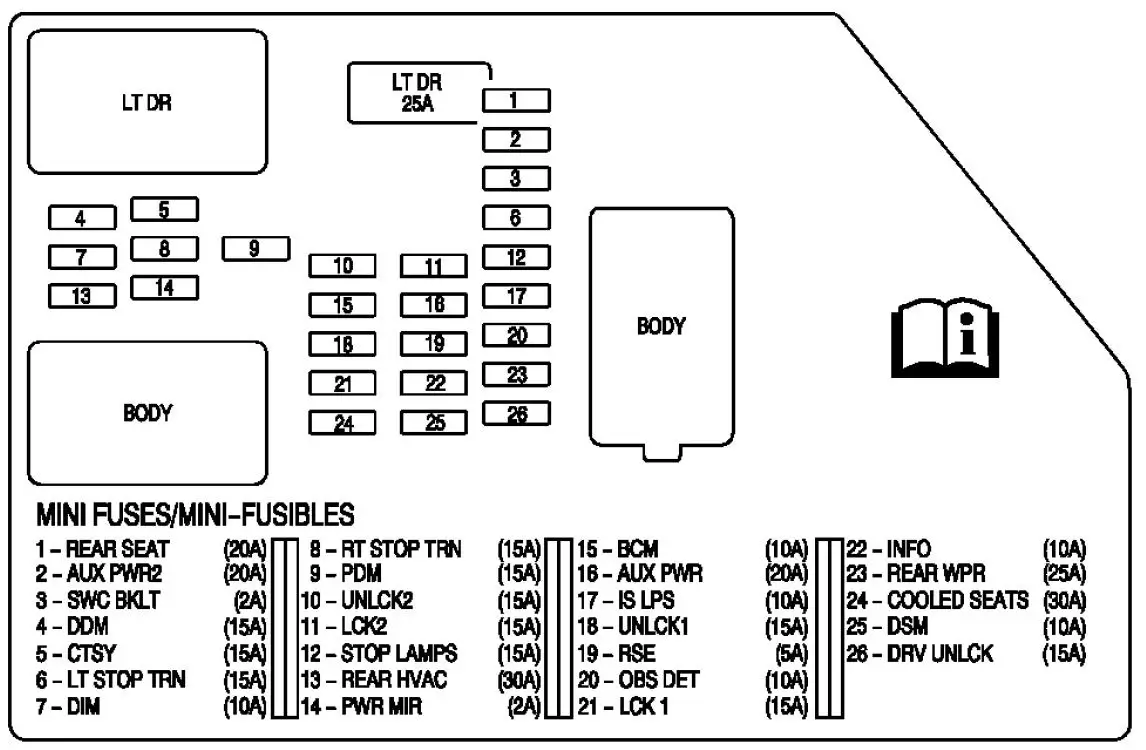
Trucks from 2011 to 2017 face more hardware-related issues. The stereo may power on with a working display but produce no sound, or the screen may go black entirely.
Black Screen? Check the Fuse First
A dead screen often means a blown fuse. Focus on three key fuses located in the instrument panel:
| Fuse # | Amps | Component Controlled |
|---|---|---|
| #18 | 20A | Radio (RDO) – most critical |
| #27 | 15A | USB / CarPlay |
| #34 | 10A | Instrument Cluster (chimes, display) |
Steps to diagnose:
- Find the fuse box under the dashboard
- Pull Fuse #18 (20A RDO) and inspect the filament
- Even if it looks intact, replace it, as internal resistance can kill power without visible damage
- Test the stereo
If the new fuse blows immediately, you have a short circuit, likely in the wiring or head unit.
Warning: Never use a higher-amp fuse. It can damage the radio or cause a fire.
Battery Disconnect Reset
For 2011–2017 models, a full electrical reset often clears glitches:
- Turn off the truck
- Disconnect the negative battery terminal
- Wait 10 to 15 minutes to drain capacitors and reset radio memory
- Reconnect the cable
- Restart the engine
This fix works for radios that will not turn on after a battery replacement or those stuck in “locked” mode. It also clears corrupted software states in older infotainment systems.
Hardware Failure Signs in Chevy Silverado Radios

If software resets and fuses do not help, the problem is likely hardware. These signs point to physical failure.
Test the Speakers Individually
Disconnect one speaker at a time and test others. If sound returns on some speakers, the issue is wiring or a blown speaker.
Look for:
– Frayed wires near door hinges
– Corrosion on speaker terminals
– Loose connections at the back of the head unit
Use a multimeter to check continuity. No signal means the wiring or head unit is faulty.
Check the Antenna Connection
A loose antenna cable causes displayed stations with no sound. Turn off the truck, remove the radio faceplate if possible, and ensure the coaxial antenna plug is fully seated. If FM is dead but USB works, the antenna is the prime suspect.
Is the Amplifier Dead?
Many Silverados have a factory amplifier under the seat or in the rear. If all speakers are quiet but the display works, disconnect the amp’s input.
- If sound returns (quiet, direct from radio), the amp is bad
- If there is no sound at all, the head unit or wiring is the issue
Replace the amplifier if it is overheated, corroded, or makes a buzzing noise.
When the Silverado Head Unit Fails Completely

If AUX, USB, FM, and Bluetooth all produce silence, the head unit’s internal audio processor is likely dead. This is common in 2014–2017 models due to heat damage over time.
Symptoms include:
– Display works but no audio
– Inputs respond but no sound
– No chimes or alerts
Replacement is the only fix. For trucks under warranty, demand a dealer replace the unit rather than accepting repeated software updates if the hardware is failing.
Dealer-Level Fixes You Can Request
If DIY methods fail, escalate to professional service. Know what to ask for so you do not settle for “no fault found.”
Demand a Software Update or TSB Application
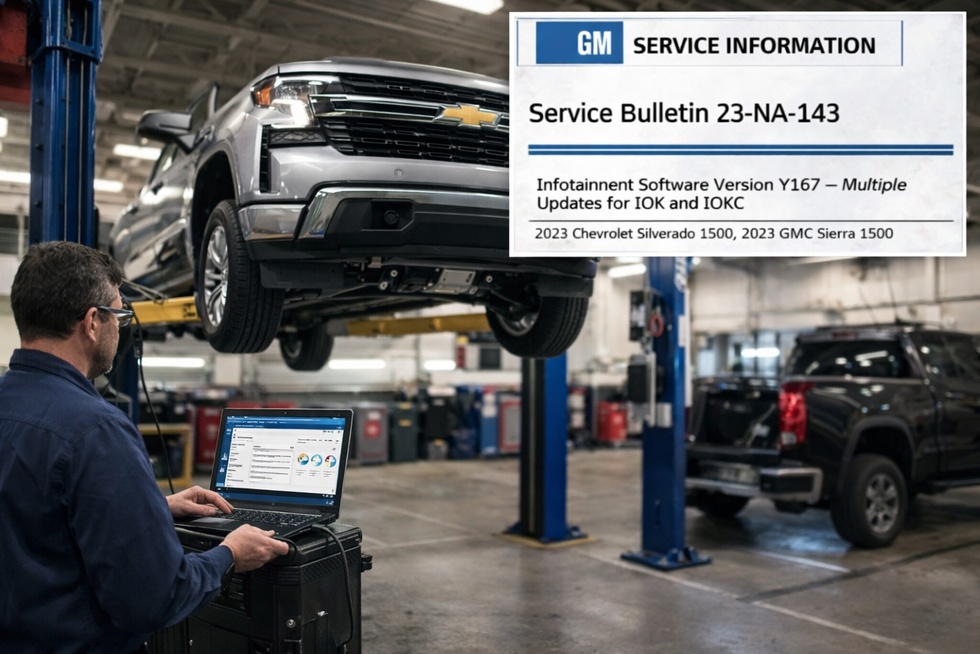
GM issued a Technical Service Bulletin (TSB) for 2016 Silverados with black screens. It confirms a known software flaw. Ask the dealer to flash the infotainment module with the latest firmware and apply the TSB patch.
For 2023+ models, GM engineers are aware of Google interface bugs. Ensure your Google account is logged in, which is a current workaround. A permanent patch is in development, but dealers can often install beta updates.
Factory Data Erase as a Last Resort
Before hardware replacement, try a full data wipe:
- Go to Settings > System > Reset Options
- Select Erase Infotainment Data
This deletes paired phones, saved favorites, and custom settings. But it removes corrupted user profiles that may be crashing the audio system. Use only if other resets fail.
Why Chevy Silverado Stereos Stop Working
Understanding the cause helps prevent recurrence.
Software Wake-Up Failure (2023+ Models)
The audio module does not initialize properly at startup, often due to:
– Low battery voltage during ignition
– Interrupted over-the-air (OTA) updates
– Google interface crashes that do not reboot the audio daemon
Fix: Ensure your battery is strong and avoid shutting down during updates.
Heat and Vibration Damage (2011–2017 Models)
Older head units and amps degrade from:
– Summer dashboard heat reaching up to 160°F
– Road vibration cracking solder joints
– Moisture in door wiring
Prevention: Park in shade and inspect wiring annually.
Wiring Harness Fatigue
Speaker wires flex every time doors open. Over time, insulation cracks, causing shorts. Check near hinges and boot areas regularly.
Step-by-Step Action Plan to Restore Your Silverado Stereo
Use this sequence based on your model and symptoms.
For 2023–2025 Silverado Models
- Try the steering wheel reset (15 to 30 second hold)
- Toggle audio sources (FM → XM → AUX)
- Perform Safe Mode restart with a 1-minute door-open wait
- Check for software updates at the dealer
- Erase infotainment data if all else fails
For 2011–2017 Silverado Models
- Inspect Fuse #18 (20A RDO) and replace even if it looks good
- Do a battery disconnect reset (10 to 15 minute wait)
- Check antenna and speaker connections
- Test the amplifier by disconnecting its input
- Replace the head unit if no sound on any input
Frequently Asked Questions About Chevy Silverado Stereo Problems
Why does my Chevy Silverado radio turn on but have no sound?
This usually points to a software glitch in 2023+ models or a blown fuse (especially Fuse #18) in older trucks. Try the steering wheel reset first. If that fails, inspect the radio fuse and wiring connections.
How do I reset my Silverado infotainment system?
Hold the phone “Hang Up” or mute button on your steering wheel for 15 to 30 seconds until the screen goes black. For deeper issues, use Settings > System > Reset Options > Restart in Safe Mode, then wait 1 minute with the door open before restarting.
What fuse controls the radio in a Chevy Silverado?
Fuse #18 (20A RDO) in the instrument panel fuse box is the primary fuse for the radio. Fuses #27 (15A) and #34 (10A) control USB/CarPlay and instrument cluster functions respectively.
Is there a recall on Chevy Silverado stereos?
There is a Technical Service Bulletin (TSB) for 2016 Silverado black screen issues. For 2023+ models, GM is actively developing patches for Google Built-In audio bugs but has not issued a full recall.
Why does my Silveradio lose sound while driving?
Intermittent audio loss in newer Silverados is often linked to the Google interface crashing while the screen remains active. Source toggling or a steering wheel reset typically restores sound temporarily until a software patch is applied.
Will disconnecting the battery reset my Silverado radio?
Yes, for 2011–2017 models. Disconnect the negative battery terminal for 10 to 15 minutes to clear error states and reset the radio memory. This also resolves “locked” radio states after battery replacement.
Final Thoughts on Fixing Your Chevy Silverado Stereo
A Chevy Silverado stereo not working is frustrating, but rarely permanent. Start with the steering wheel reset for newer models, as it is fast and effective. For older trucks, check Fuse #18 first, since it is the most common culprit. If software fixes fail, investigate hardware systematically: fuses, wiring, amplifier, and head unit.
If your truck is under warranty and the issue returns after a fix, insist on a component replacement. Recurring audio failure is a known defect in some model years, and GM should cover it under warranty.
Now that you know the exact steps, you are not at the mercy of guesswork or dealer runarounds. Fix it fast, drive safely, and get your sound back.



